31
Using BIOS
Main Menu
Select the advanced icon and press <Enter> or double click the left key of the
mouse to display the the following screen.
Adanced
Date & Time
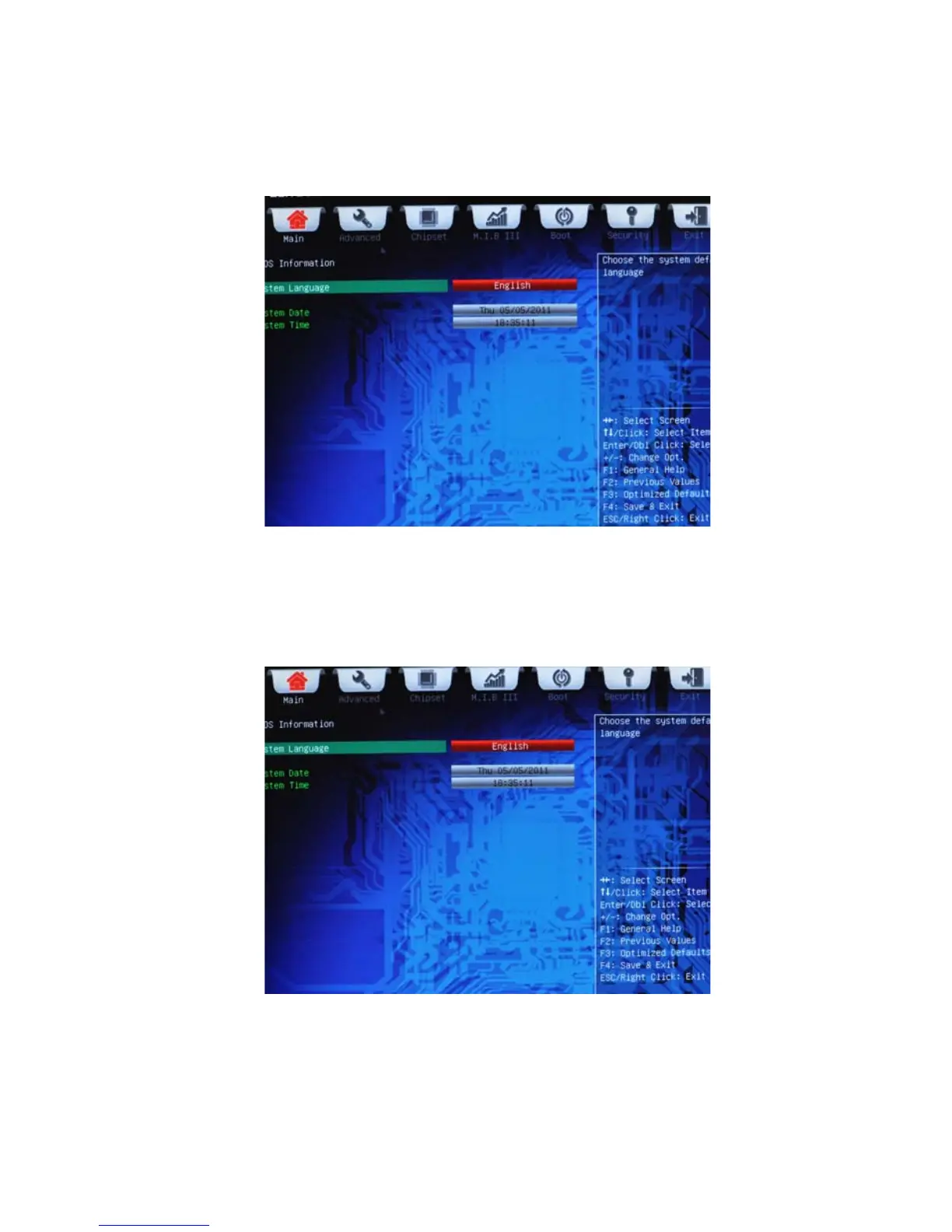
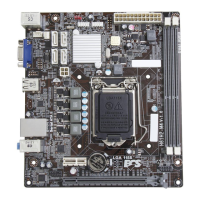
The Date and Time items show the current date and time on the computer. If you are
running a Windows OS, these items are automatically updated whenever you make
changes to the Windows Date and Time Properties utility.
System Language (English)
This item is used to set system language.
This menu shows the information of BIOS and enables you to set the system
language, date and time.



 To Next Page