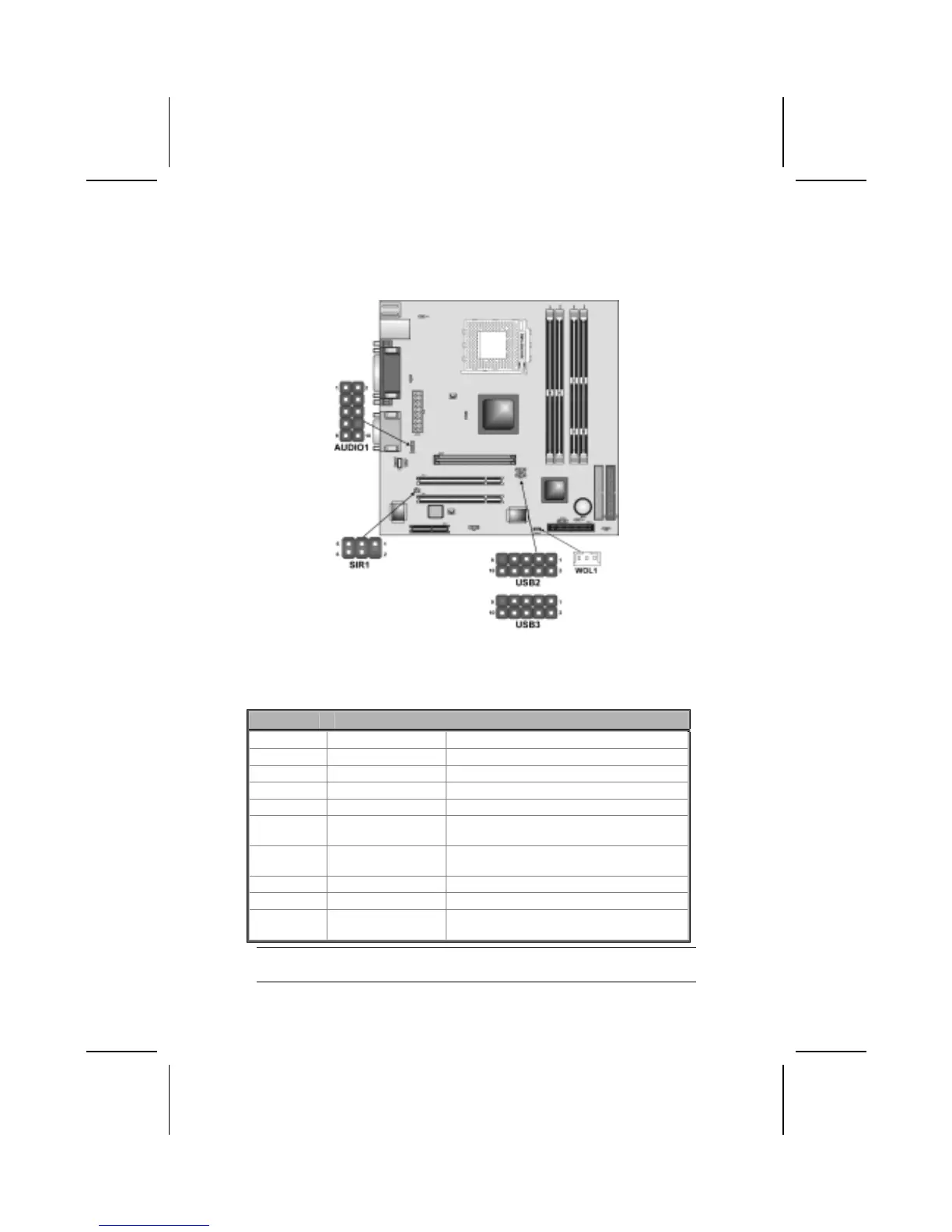
Connecting Optional Devices
Refer to the following for information on connecting the mainboard’s optional
devices:
AUDIO1: Front Panel Audio header
This header allows the user to install auxiliary front-oriented microphone and
line-out ports for easier access.
Pin Signal Name Function
1 AUD_MIC Front Panel Microphone input signal
2 AUD_GND Ground used by Analog Audio Circuits
3 AUD_MIC_BIAS Microphone Power
4 AUD_VCC Filtered +5 V used by Analog Audio Circuits
5 AUD_FPOUT_R Right Channel Audio signal to Front Panel
6 AUD_RET_R
Right Channel Audio signal to Return from
Front Panel
7 HP_ON
Reserved for future use to control Head-
phone Amplifier
8 KEY No Pin
9 AUD_FPOUT_L Left Channel Audio signal to Front Panel
10 AUD_RET_L
Left Channel Audio signal Return from
Front Panel
Note: If you want to connect the front panel sound jack, you have to remove
jumper caps of Pin (5-6) and Pin (9-10) from the AUDIO1 header.
21



 To Next Page