16
Installing the Motherboard
Open the chassis and then remove the slot bracket from the case where you
will be installing the expansion cards.
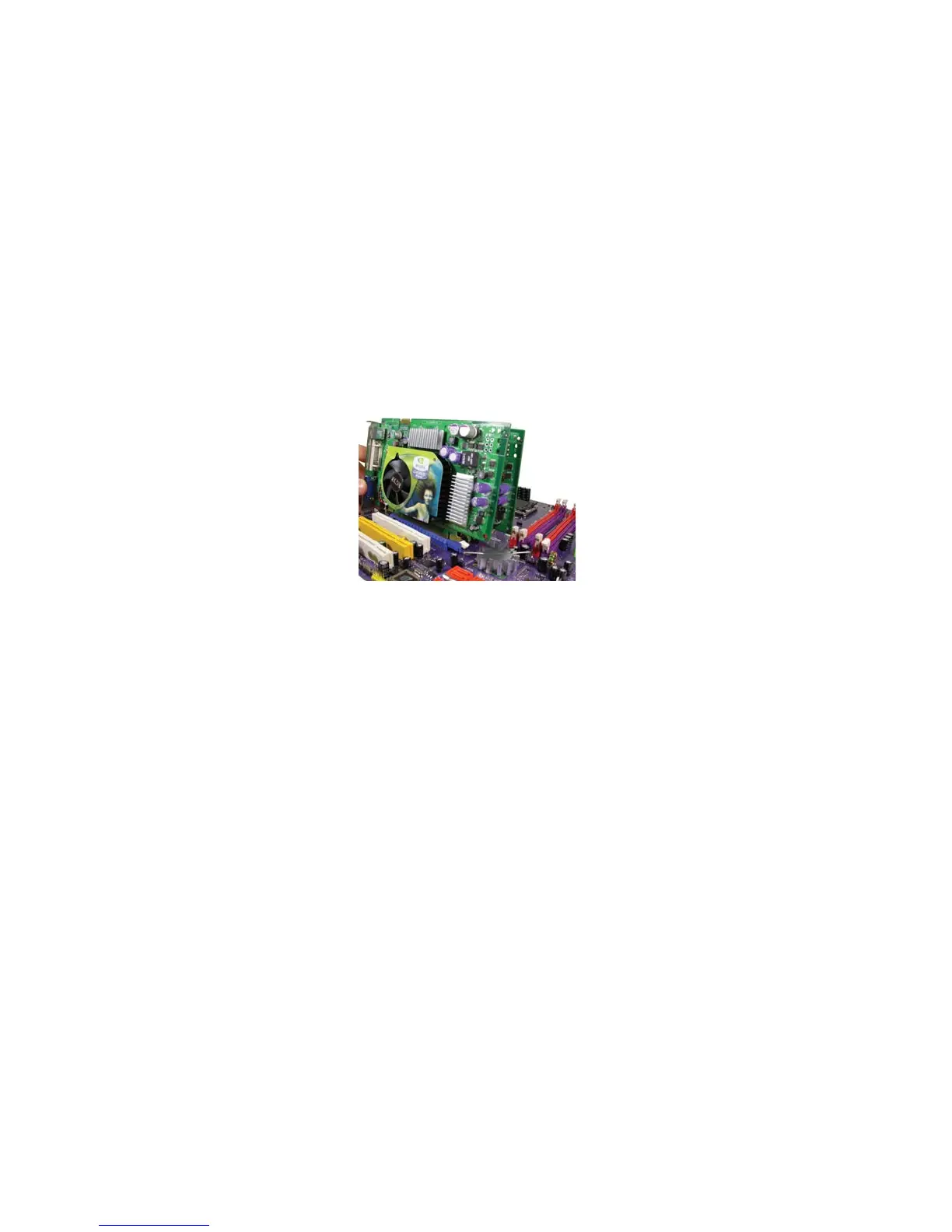
Install your graphics card in the proper slot by pressing the card firmly into
the slot.
Drive in the screw to secure the slot bracket of the expansion card.
Replace your computer’s chassis cover.
Power on the computer, if necessary, set up BIOS utility of expansion card
from BIOS.
Install related driver to complete the installation.
Installing two graphics cards
The two PCIE x16 slots (SLI Mode: x8+x8, single PCI-E is x8 mode) run in two modes.
With only one PCI Express Graphics card, install it onto PCIE1 slot by default. Having
two PCI Express Graphics cards at hand, set them up onto PCIE1 and PCIE2 slots
simultaneously.
The Scalable D.G.E. supports a four-monitor configuration when
PCIE1 slot and PCIE2
slot are working simultaneously.
Please note that the graphics card driver supports Windows 2000/XP only.
Make sure to connect a 4-pin ATX power cable to the ATX4P1; otherwise, the system
will be unstable.
Follow these instructions to install add-on cards:
1.
2.
3.
4.
5.
6.
Notes:
1.
2.
3.
4.



 To Next Page