30
Using BIOS
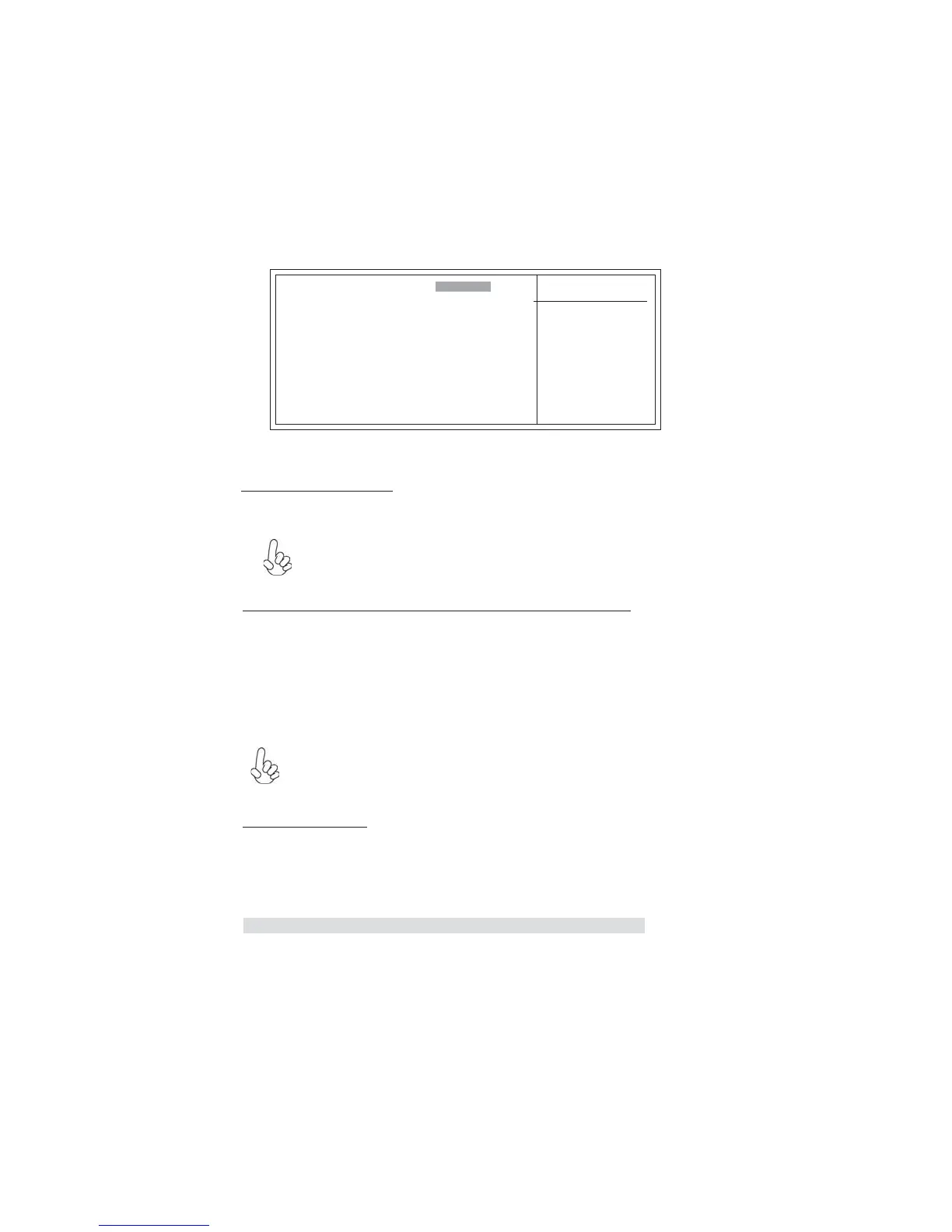
Press <Enter> to display the submenu:
Phoenix-AwardBIOS CMOS Setup Utility
IDE Channel 0 Master
To Auto-Detect the HDD’
size, head... on this chan-
nel
Item Help
IDE HDD Auto-Detection
IDE Channel 0 Slave
Access Mode
[ Auto]
[ Auto]
Capacity
0 MB
Cylinder
0
Head
Precomp
Landing Zone
0
0
Sector
0
0
Menu Level
ff
F5: Previous Values F6: Fail-Safe Defaults F7: Optimized Defaults
: Move Enter: Select +/-/PU/PD:Value F10:Save ESC:Exit F1: General Help
[ Press Enter]
mnlk
Press <Enter> while this item is highlighted to prompt the Setup Utility to auto-
matically detect and configure an IDE device on the IDE channel.
IDE HDD Auto-Detection
If you are setting up a new hard disk drive that supports LBA mode,
more than one line will appear in the parameter box. Choose the line
that lists LBA for an LBA drive.
IDE Channel 0/1 Master/Slave IDE/Extended IDE Drives (Auto)
Leave this item at Auto to enable the system to automatically detect and configure
IDE device on the channel. If it fails to find a device, change the value to Manual
and then manually configure the drive by entering the characteristics of the drive
in the items described below. Please note that if you choose IDE Channel 2/3
Master, the item may change to Extended IDE Drive.
Refer to your drive’s documentation or look on the drive casing if you need to
obtain this information. If no device is installed, change the value to None.
Access Mode (Auto)
This item defines ways that can be used to access IDE hard disk such as LBA (Large
Block Addressing). Leave this value at Auto and the system will automatically decide
the fastest way to access the hard disk drive. If you choose IDE Channel 2/3 Master,
the item only have Large and Auto.
Before attempting to configure a hard disk drive, ensure that you
have the configuration information supplied by the manufacturer of
your hard drive. Incorrect settings can result in your system not rec-
ognizing the installed hard disk.
Press <Esc> to return to the Standard CMOS Feature page.



 To Next Page