37
Using BIOS
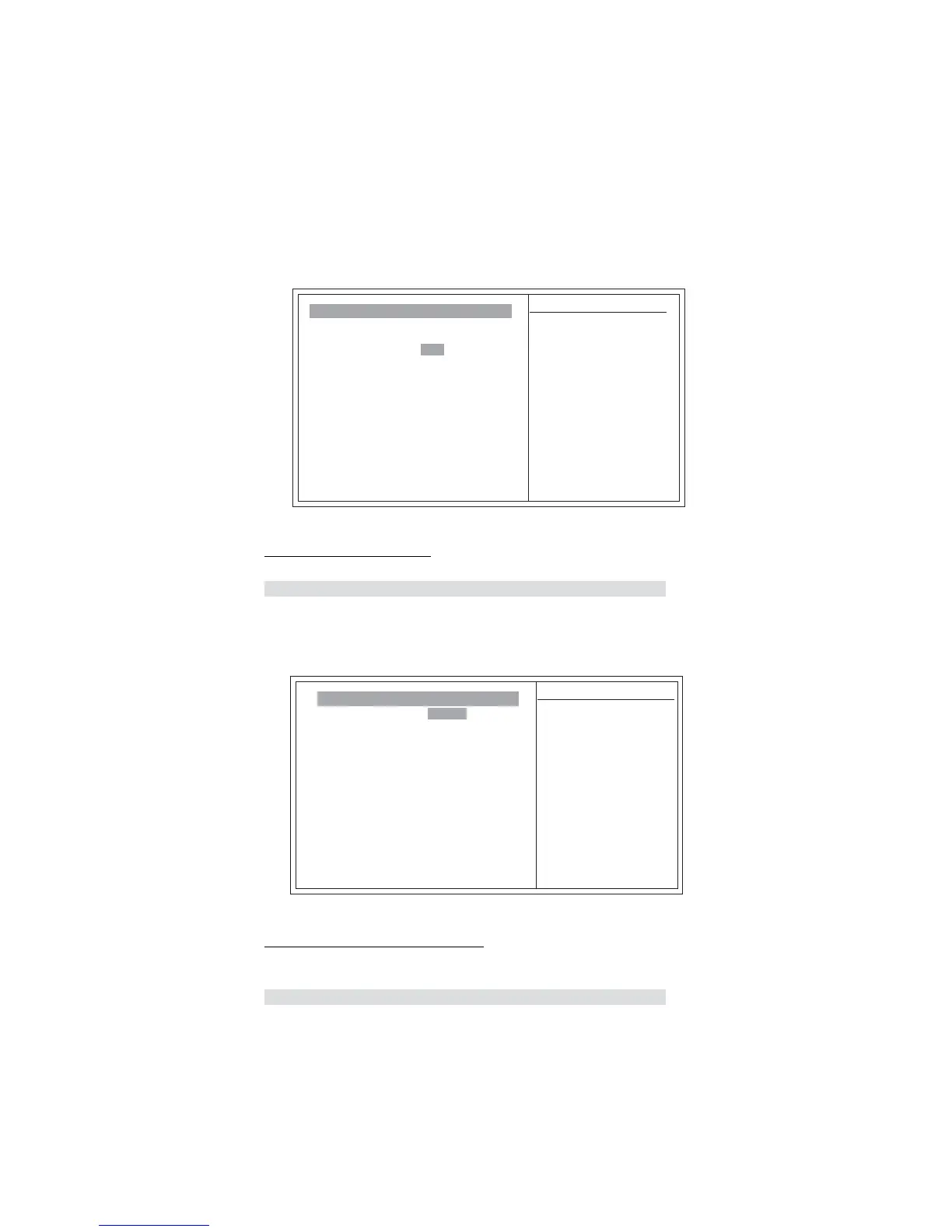
FSB & Memory Config (Press Enter)
Scroll to this item and press <Enter> to view the following screen:
f
FSB-Memory Ratio (Auto)
This item is used to set FSB and memory speed automatically.
Memory Timing Setting [Press Enter]
Item Help
ff
Menu Level
Phoenix-AwardBIOS CMOS Setup Utility
FSB & Memory Config
Parameters Setting Current Value
Current CPU Freq, MHz 3400.0 3400.0
CPU Multiplier 17 X 17X
FSB-Memory Clock Mode [Auto]
FSB-Memory Ratio Auto
FSB (QDR), MHz Auto 800.0
Actual FSB (QDR), MHz 800.0
MEM (DDR), MHz Auto 666.7
Actual MEM (DDR), MHz666.7
F5:Previous Values F6:Fail-Safe Defaults F7:Optimized Defaults
: Move Enter: Select +/-/PU/PD:Value F10:Save ESC:Exit F1: General Help
System Clock mode
[Auto]
Set FSB and memory
speed automatically.
[Linked]
Enter FSB Speed
manually. Memory Speed
changes
proportionally.
[Unlinked]
Enter FSB and memory
speed manually.
x
x
x
Press <Esc> to return to the main menu setting page.
Memory Timing Setting (Press Enter)
Scroll to this item and press <Enter> to view the following screen:
Item Help
ff
Menu Level
Phoenix-AwardBIOS CMOS Setup Utility
Memory Timing Setting
Parameters Setting Current Value
Memory Timing Setting [Optimal]
tCL (CAS Latency) Auto (5) 5
tRCD Auto (5) 5
tRP Auto (5) 5
tRAS Auto (15) 15
Command Per Clock (CMD)[2 clock]
F5:Previous Values F6:Fail-Safe Defaults F7:Optimized Defaults
: Move Enter: Select +/-/PU/PD:Value F10:Save ESC:Exit F1: General Help
Select [Expert] to
enter timings manually
x
x
x
x
x
** Advanced Memory Settings **
tRRD Auto (3) 3
tRC Auto (11) 20
tWR Auto (4) 3
tWTR Auto (9) 9
tREF Auto 3.9us
ff
x
x
f
x
x
x
Memory Timing Setting (Optimal)
This item shows the current and target memory performance rates when the system
is undertaking the best performance.
f
Press <Esc> to return to the Advanced Chipset Features page.
mnlk
mnlk



 To Next Page