57
Installing SLI-ready Graphics Cards
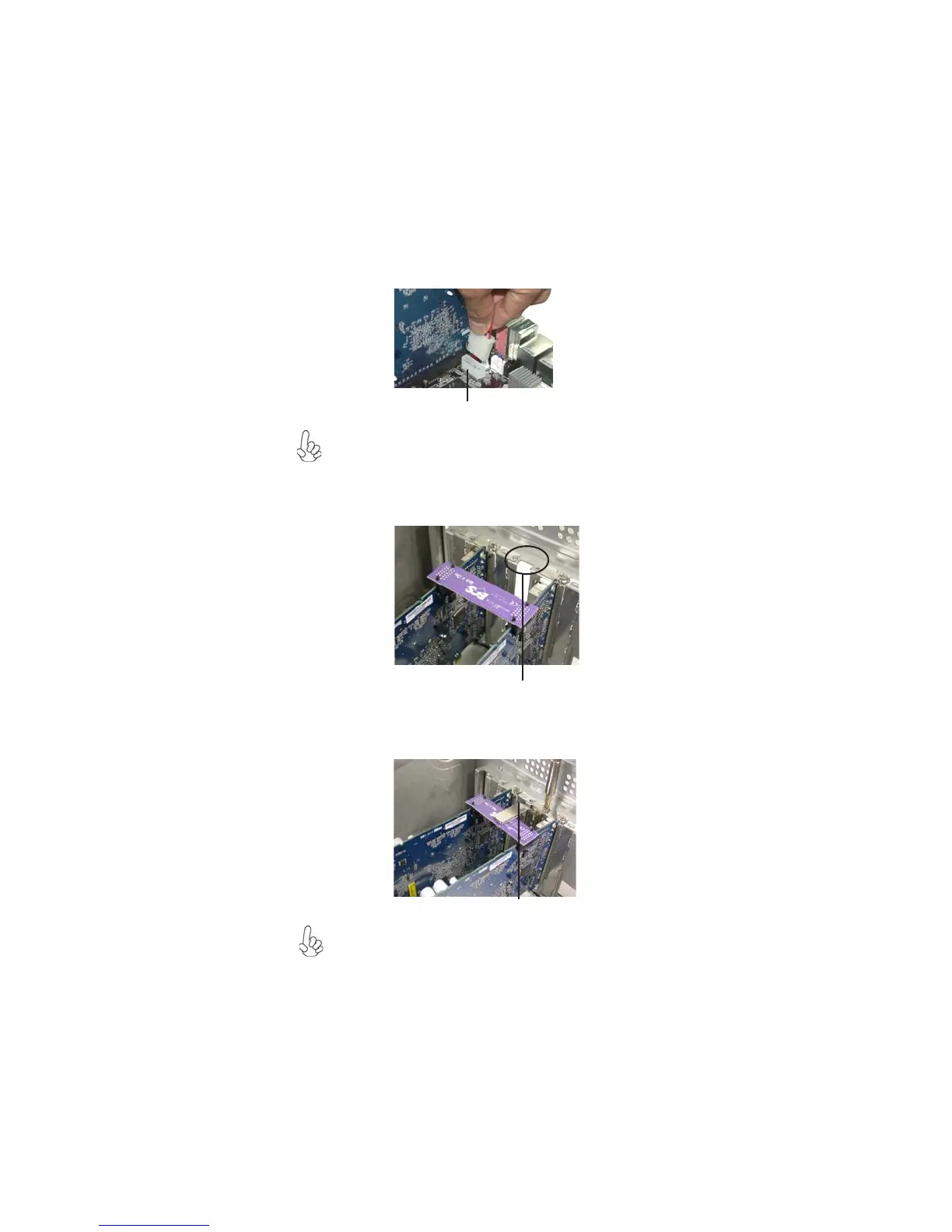
5. Connect a 4-pin ATX power cable to the auxiliary 4-pin power connector
labeled ATX4P1 on this motherboard.
Make sure to connect a 4-pin ATX power cable to the ATX4P1; otherwise, the system
will be unstable.
6. Remove any of the two bracket covers between the graphics cards.
7. Align and insert the retention bracket into the slot then secure it with a screw.
Make sure that the retention bracket firmly supports the two graphics cards.
ATX4P1
Bracket slot
Retention bracket



 To Next Page