59
Installing SLI-ready Graphics Cards
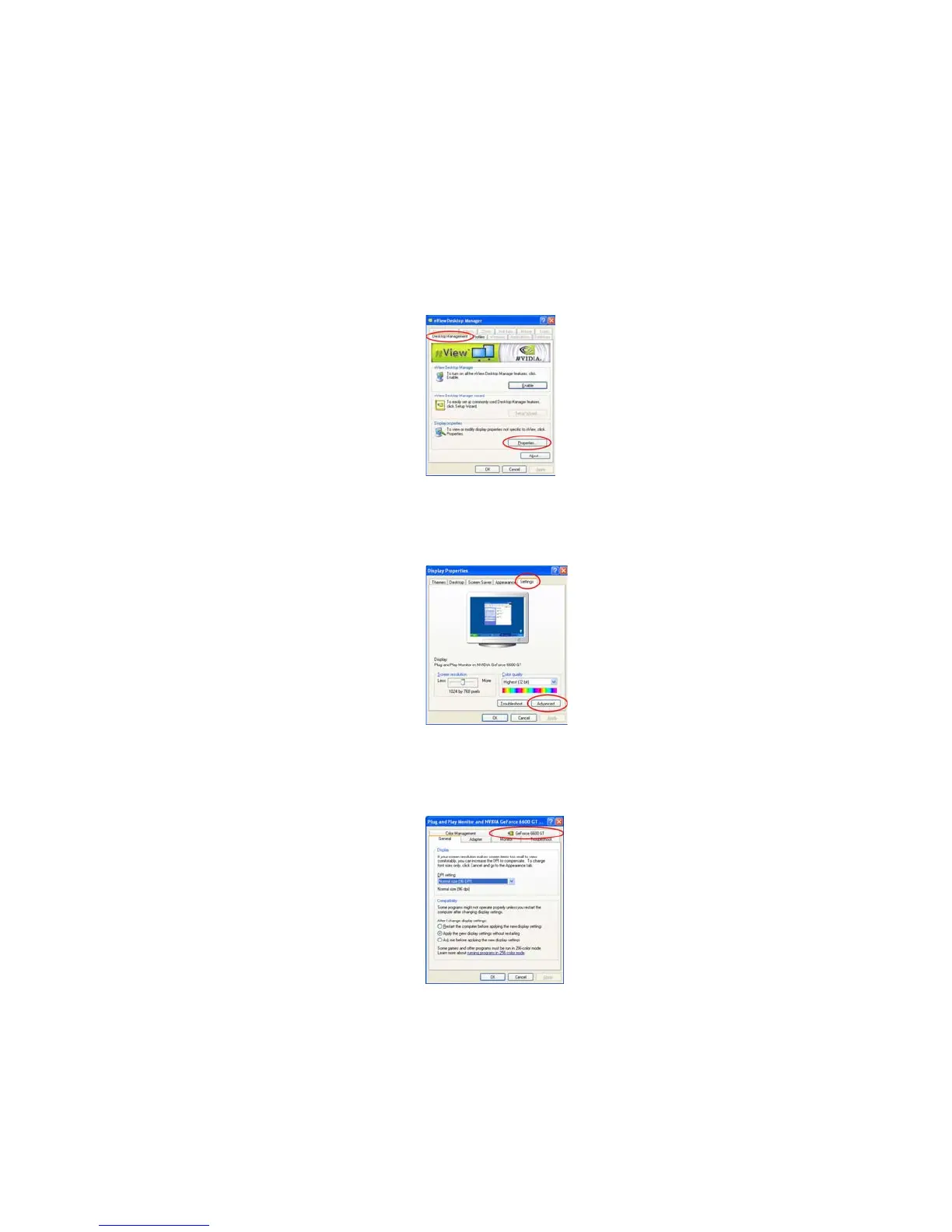
3. From the nView Desktop Manager window, select the Desktop Management
tab.
4. Click Properties to display the Display Properties dialog box.
5. From the Display Properties dialog box, select the Settings tab then click
Advanced.
6. Select the NVIDIA GeForce tab.



 To Next Page