26
------------------------------------------------------------------------------------------------------------------------------------------
--------
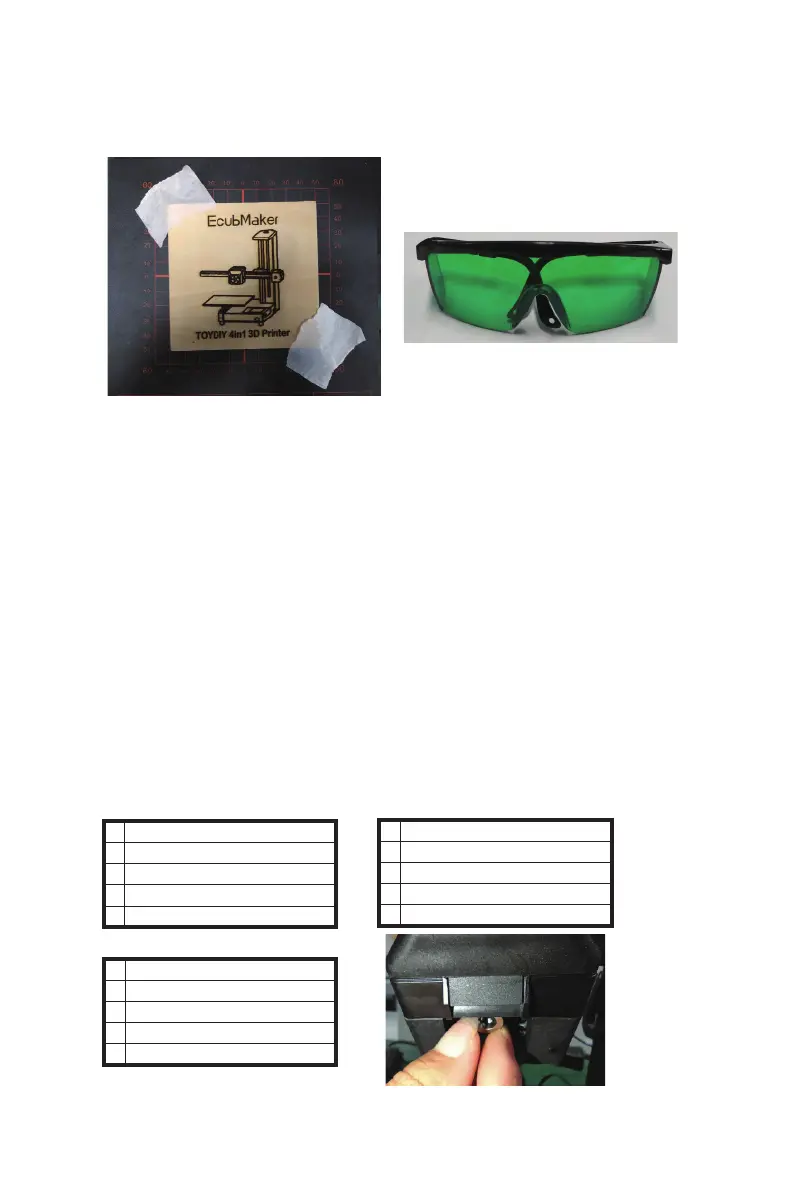
*Pay attention to turn on the laser, if you need to observe the printing
process be sure to wear goggles
EcubMaker TOYDIY
Laser 3D Printer
Laser Print Guide
> Utility
Main
> Set Laser Focus
ChangeToolHeader
Restore Defaults
Printer info
Back
> Step1:Auto Home
Step2:Move to Center
Step3:Adjust focus
Step4:Adjust Finish
B EcubMaker TOYDIY basic setup and installation
Laser function demonstration
--------------------------------------------------------------------------------------------------------------------------------------------
3.Special Settings - adjust Laser focus
Laser focus introduce :
Laser focal refers to the situation where the Laser energy reaches the
maximum, and the spot during processing is the minimum. The laser
focus will be set when the equipment leaves the factory. If it is found that
the trace carved from the model is very shallow, it may be necessary to
adjust the Laser focal . Be sure to wear goggles when adjusting the focal .
●
Laser focus adjustment method
*Tips : This step has a very detailed video tutorial, it is recommended
to read the manual and then learn through video tutorial to deepen
the impression .
(1)Remove the print platform and directly expose the metal base plate.
(2)Utility<Set Laser Focus<Step1:Auto home.
(3)Step2:Move to Center.
(4)Step3:Adjust Focus.At this time, laser spots will appear on the bottom
plate. If the spots are too large, rotate the lens on the laser head to adjust
the size of the spot. When the spot is measured visually, the focal will be
reached。
(5)Step4:Adjust Finish.



 To Next Page