EcubWare Settings
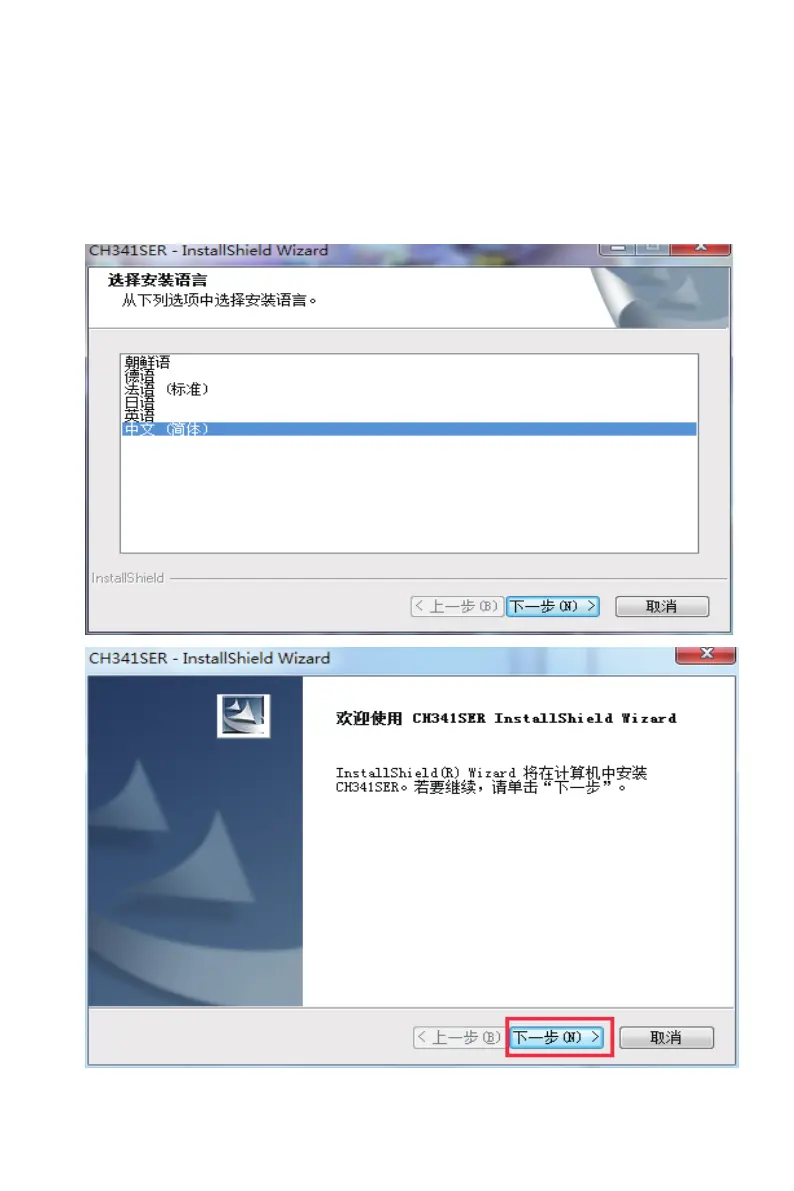
① Installs the driver program in the computer. Open the SD card > EcubMaker
> software and driver > Drive_64bit or click the Download of TOYDIY_
Drive_64bit_20190628 in the the website http://www.ecubmaker.com/support-down.aspx
EcubWare Settings
--------------------------------------------------------------------------------------------------------------------------------------------
C
EcubWare installation and instructions
---------------------------------------------------------------------------------------------------------------------------------------
--------
47
(4)
Firmware Upgradation



 To Next Page