40
---------------------------------------------------------------------------------------------------------------------------------------
--------
C
EcubWare installation and instructions
EcubWare Settings
--------------------------------------------------------------------------------------------------------------------------------------------
(1)
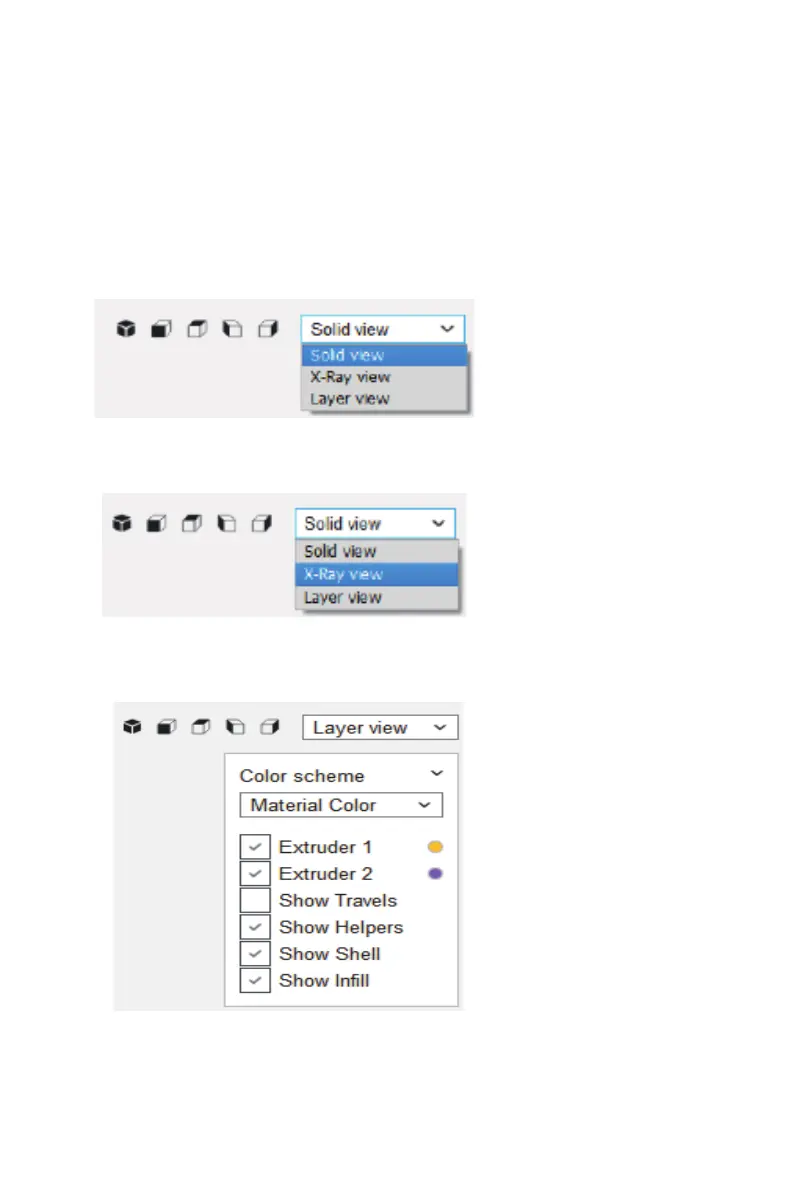
View shows
①
Entity view
Description: Display the entity of the model intuitively, offer multi-angle observation.
The default view in the software is "Solid view", and each view is switch through the
buttons in the following red area.
②
X-ray display
Description:Can perspective model, observe the internal structure of the model.
③
Layer shows
Description: Observe each layer of the model, including color, speed, lling and
support
。
④
Routing type display
4.Other Function



 To Next Page