1.Right way to change CNC toolheader and firmware
CNC engraving function is completed by the CNC toolhead and the
corresponding firmware. Therefore, the correct CNC toolhead and
firmware should be changed first before the next operation.The specific
changing method is not explained here.
2.Preparation before print
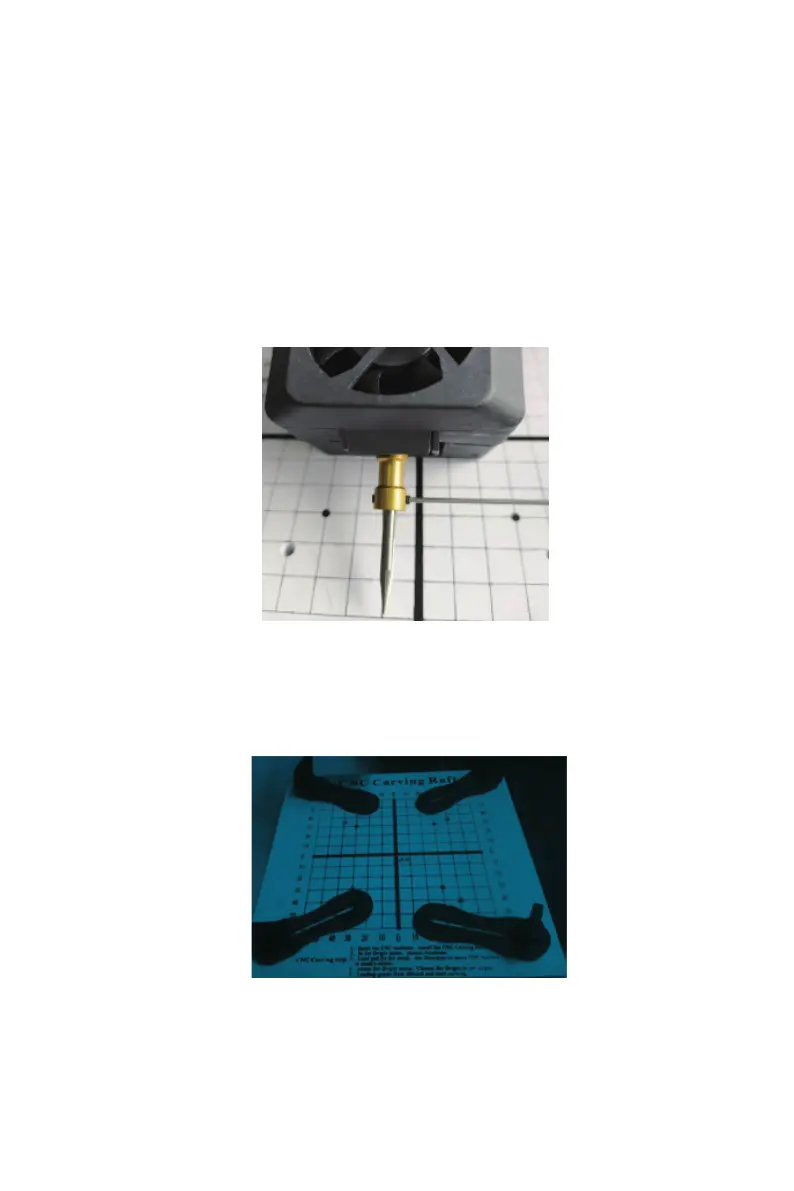
(1)Install CNC cutter . Fix the CNC cutter on the tool head coupling with a wrench
to ensure that the screws are locked to prevent the CNC cutter from falling . Make
sure to use original tool.
(2)Install CNC plate and fixture.Please fix the CNC plate, CNC fixture, magnet/
washer and CNC hand screws on the print base plate.Refer to the figure below.
CNC function demonstration
--------------------------------------------------------------------------------------------------------------------------------------------
---------------------------------------------------------------------------------------------------------------------------------------
--------
27
B EcubMaker TOYDIY basic setup and installation



 To Next Page