C
EcubWare installation and instructions
---------------------------------------------------------------------------------------------------------------------------------------
--------
55
---------------------------------------------------------------------------------------------------------------------------------------
EcubWare setup
--------------------------------------------------------------------------------------------------------------------------------------------
⑦
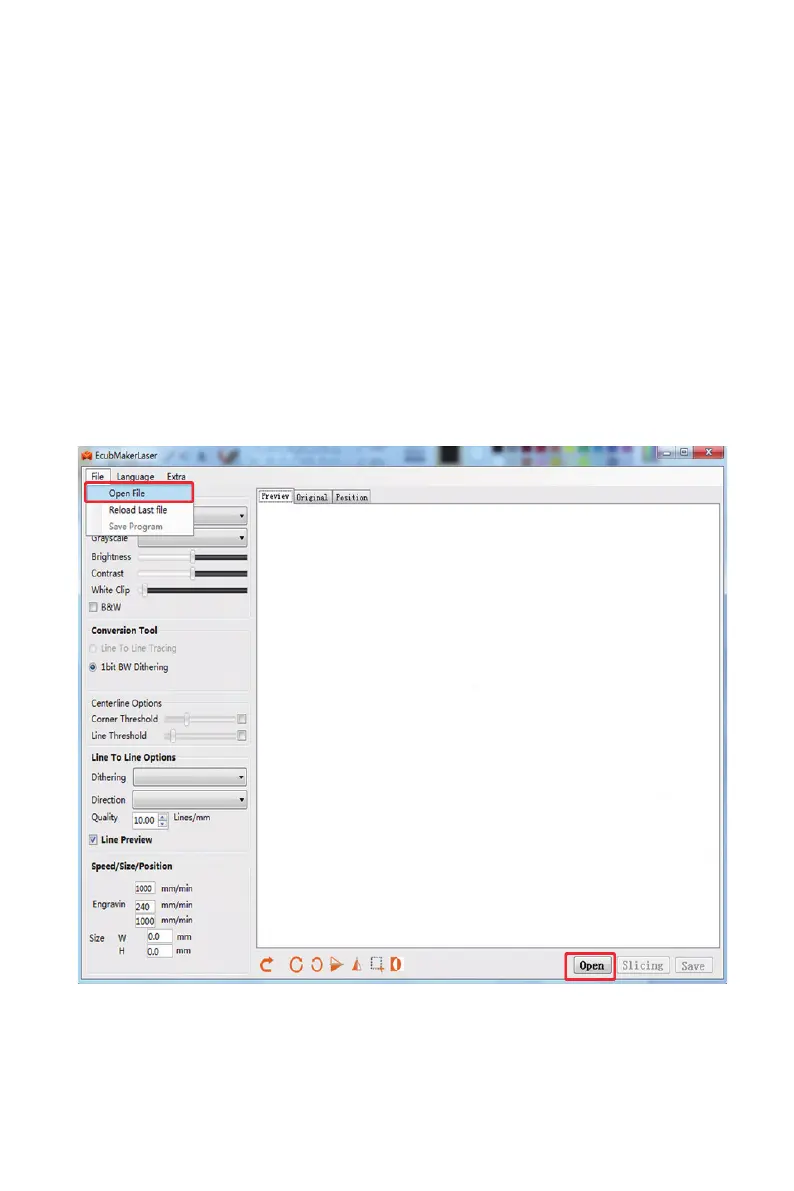
Laser Engraving Preview: The ideal effect is a little different from the reality. Original picture:
imported original picture
⑧
Graphic display area
⑨
Import: Import picture les; Slice: Transform graphics into gcode les recognized by macine;
Save: Save as gcode les.
(3)
Supported image format:
Bitmaps: *.bmp,*.png,*.gif and*.jpg
Vector Graph (Optimizing):*.svg
(4)
Section step:



 To Next Page