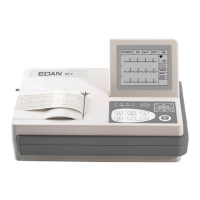
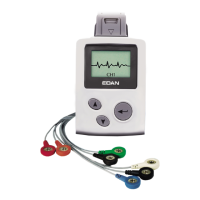
SE-601 Series Electrocardiograph User Manual Introduction
- 13 -
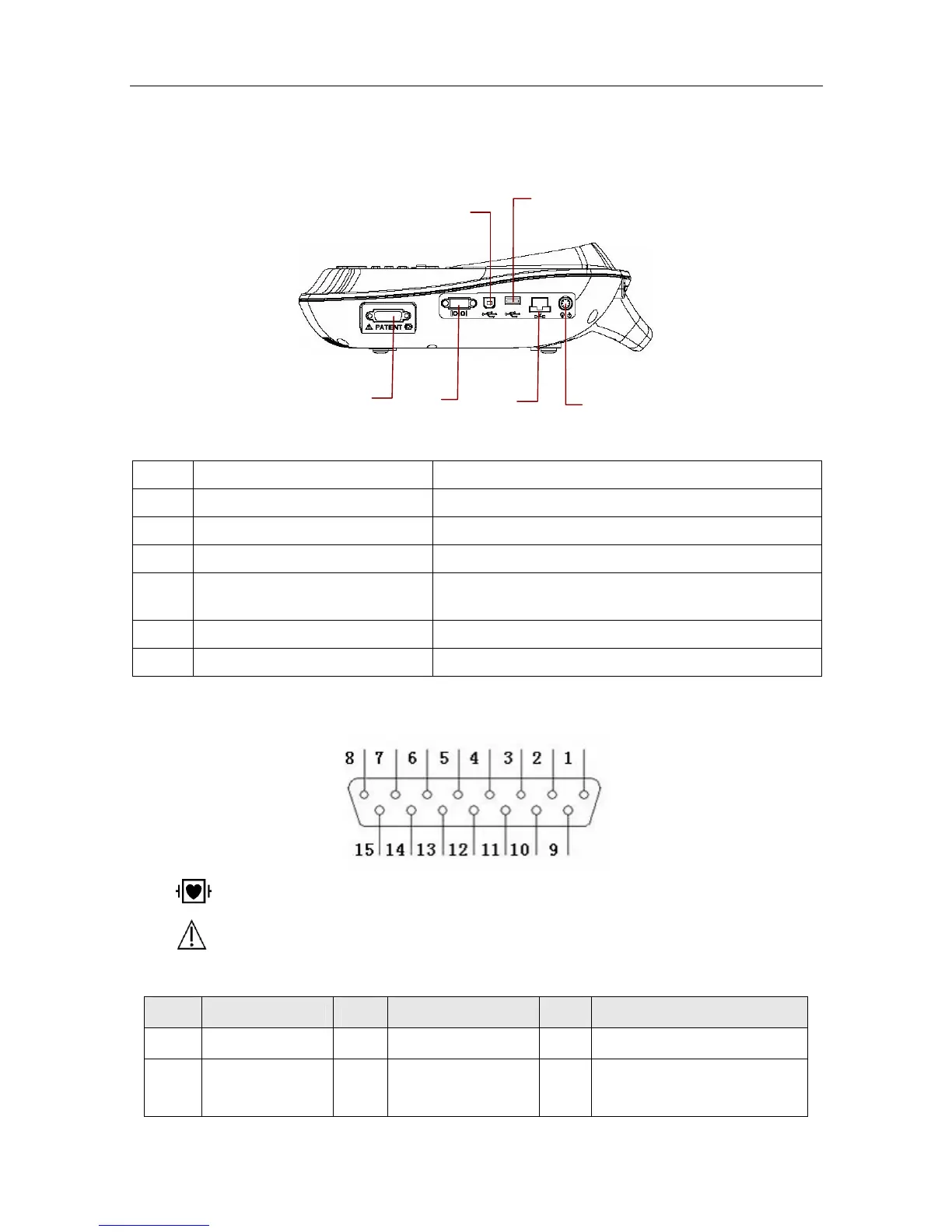
2.4 Right Panel
Figure 2-5 SE-601A / SE-601B / SE-601C Right Panel
Name Explanation
A Patient Cable Socket Connecting to the patient cable
B Serial Port Connecting to a PC
C USB Socket 1 (Optional) Standard USB socket, connecting to a PC
D
USB Socket 2 (Optional)
Standard USB socket, connecting to a U disk or a
USB printer recommended by the manufacturer
E Net port Standard net port, connecting to a PC
F External Input / Output Socket Connecting to the external signal device
1) Patient Cable Socket
: Applied part of type CF with defibrillator proof
: Caution
Definitions of corresponding pins:
Pin Signal Pin Signal Pin Signal
1
C2 / V2
6
SH
11
F / LL
2
C3 / V3
7
NC
12
C1 / V1
or NC
D
A
F
C
B
E


 To Next Page