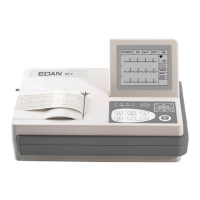
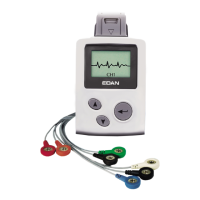
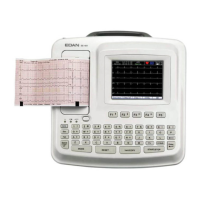
SE-601 Series Electrocardiograph User Manual About SE-601 Application
- 22 -
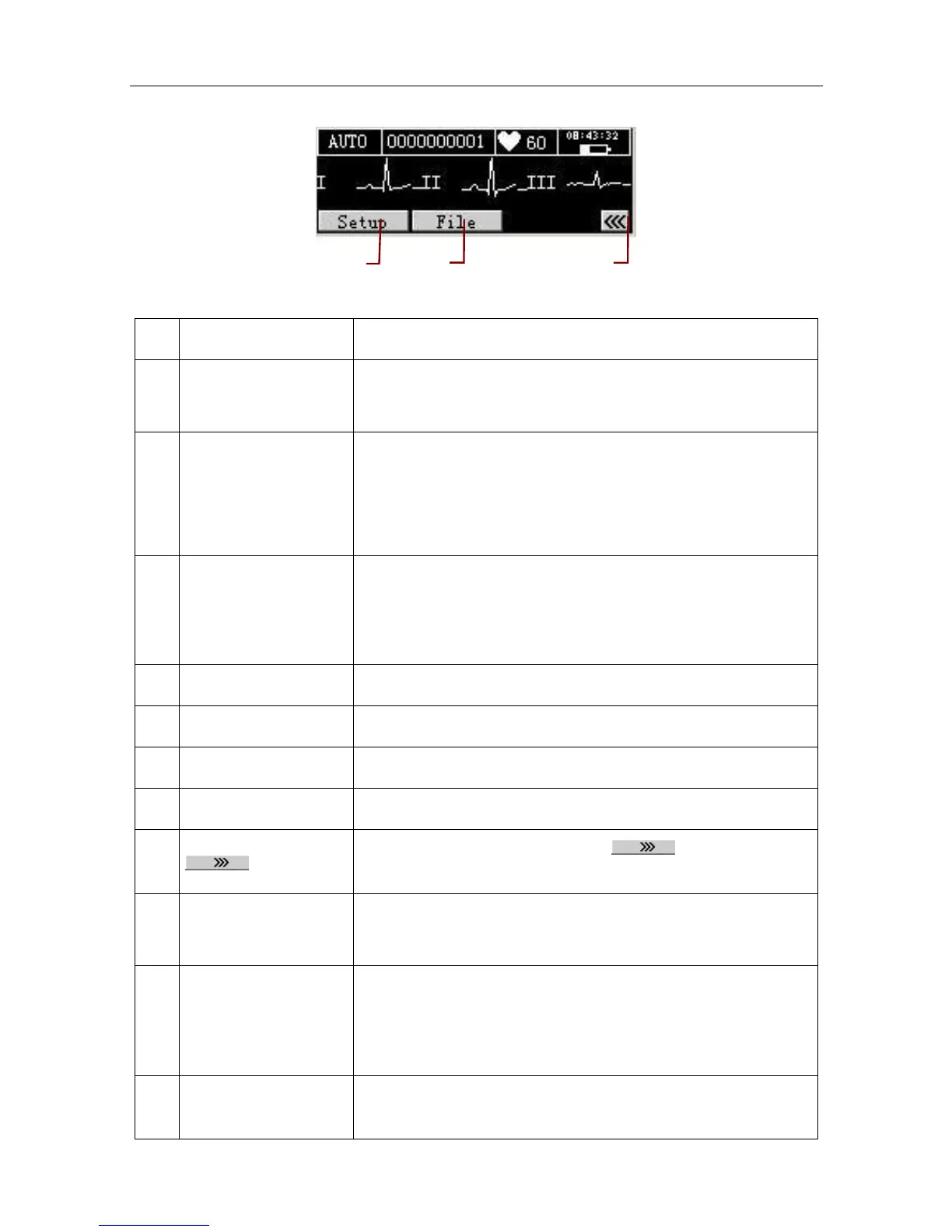
Figure 3-4 SE-601A Main Screen2
Name Explanation
A Name
Patient Name: within 12 characters (for SE-601B/C)
within 10 characters (for SE-601A)
B ID
When ID Mode is set to Auto or Time, the patient ID is within
10 characters.
When ID Mode is set to Manu, the patient ID is within 18
characters.
C Hint Information
Including Lead Off, No Paper, Paper Error, Battery Weak,
Modu Error, Demo, Sampling, Analyzing, Recording, Learning,
Transmitting, Transmit Fail, Detecting, Memory Full,
Overload, U Disk, USB Printer, Testing
D Work Mode MANU, AUTO, RHYT or R-R
E Heart Rate Actual Heart Rate
F Current Time Refer to Section 9.8, “Date & Time Setup”
G Battery Symbol Identify the current capacity of the battery
H
Press the function key F5 below to open the main
screen2
I 100Hz
EMG Filter: 25Hz, 35Hz or 45Hz
Lowpass Filter: 75Hz, 100Hz or 150Hz
J 25mm/s
Paper Speed: In the MANU mode, you can set Speed to
5mm/s, 6.25mm/s, 10mm/s, 12.5mm/s, 25mm/s or 50mm/s.
In the AUTO and RHYT modes, only 25mm/s and 50mm/s
are available. In the R-R mode, only 25mm/s is available.
K 10mm/mV
Gain: 10 mm/mV, 20 mm/mV, 10/5 mm/mV, AGC, 2.5 mm/mV
or 5 mm/mV
P
O
N


 To Next Page