Seite 13
The following only affects the portable 25:
The portable 12 system detects and selects the cartridge by itself. Therefore, the following
section is not relevant for the portable 12. Only on 25 mm printer models, you select the right
cartridge type manually by the below menu:
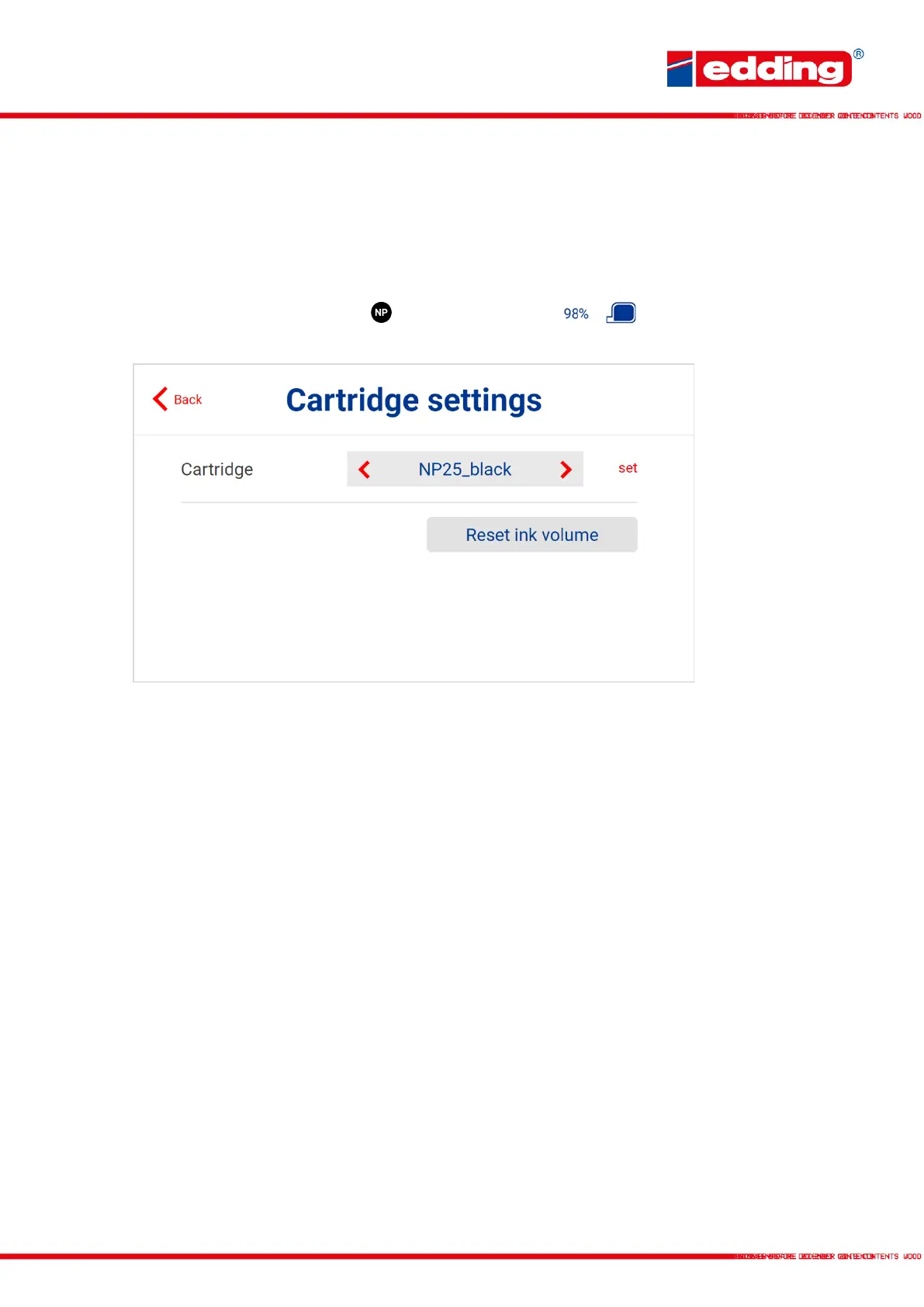
By touching the ink cartridge type or the cartridge content in the control panel,
the cartridge settings menu opens:
Cartridge: Choose the cartridge type (SP25 black, SPX25 black, SP25
blue, NP25 black, NPX25 black)
Set: Confirm the selection of the cartridge
Reset ink volume: Confirm the selection of the cartridge



 To Next Page