Seite 17
3.2 Creating a new print message
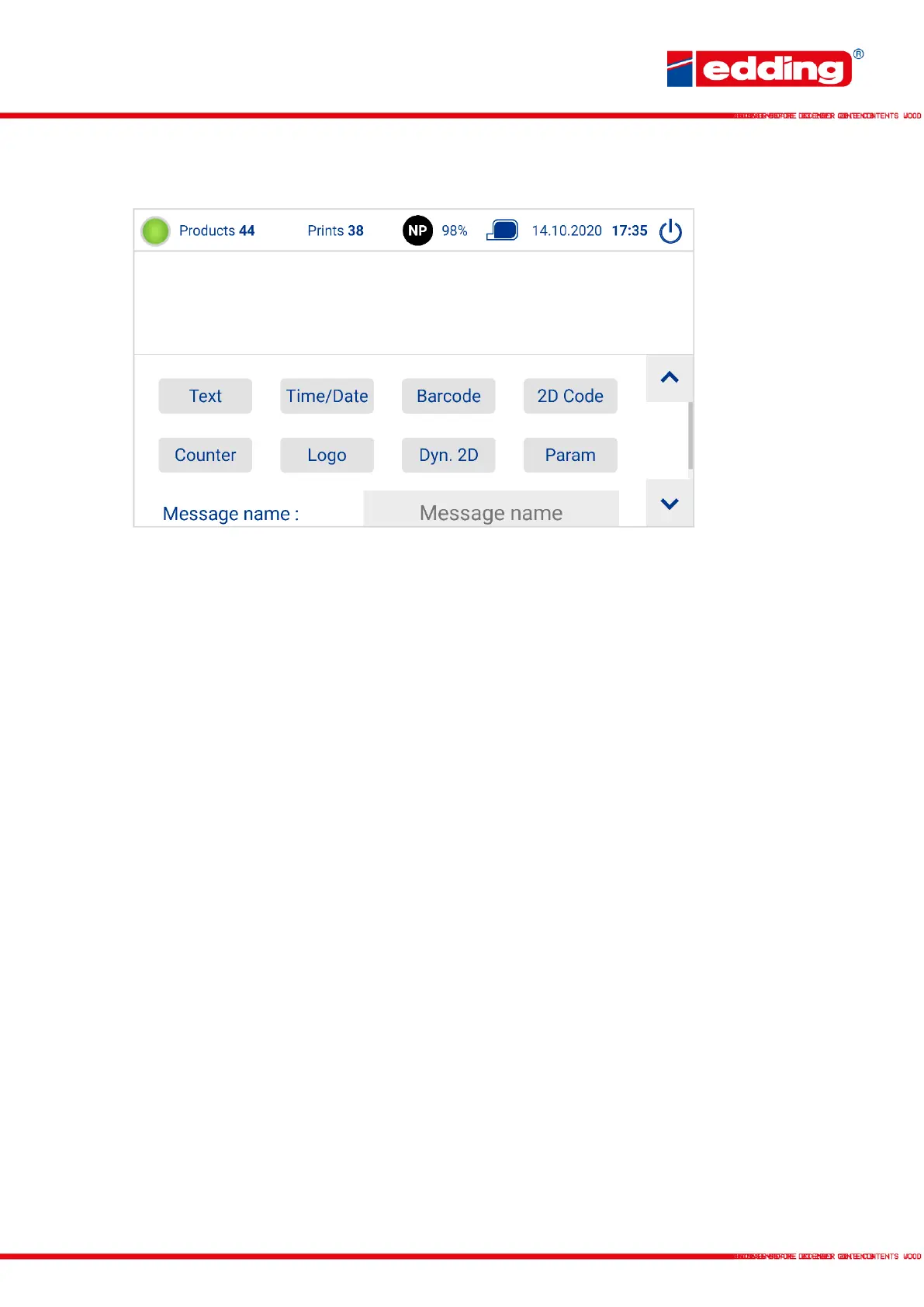
Select one of the field types above:
Text: Static text field comprising characters and letters
Time/Date: Dynamic text field to print the current date, time or “Best Before” date
Barcode: Prints any type of barcode
2D Code: Datamatrix Code or QR Code generated from static text
Counter: Counts up by value X per product triggering
Logo: Prints an image from the printer memory. A new image is uploaded via the PC
interface in the “Logo assistant”
Dyn. 2D: Dynamic 2D codes that can be filled with any combination of static text,
date/time, counters and the variable data mentioned above. From these, a data
matrix code is automatically generated live before each print.
Param: Text fields that consist of the contents of a predefined placeholder. This
placeholder is then printed in the specified font, size and section.
Message A name for the message by which it can be identified
Name



 To Next Page