Seite 15
3 Selection and creation of texts
3.1 Overview of all saved texts
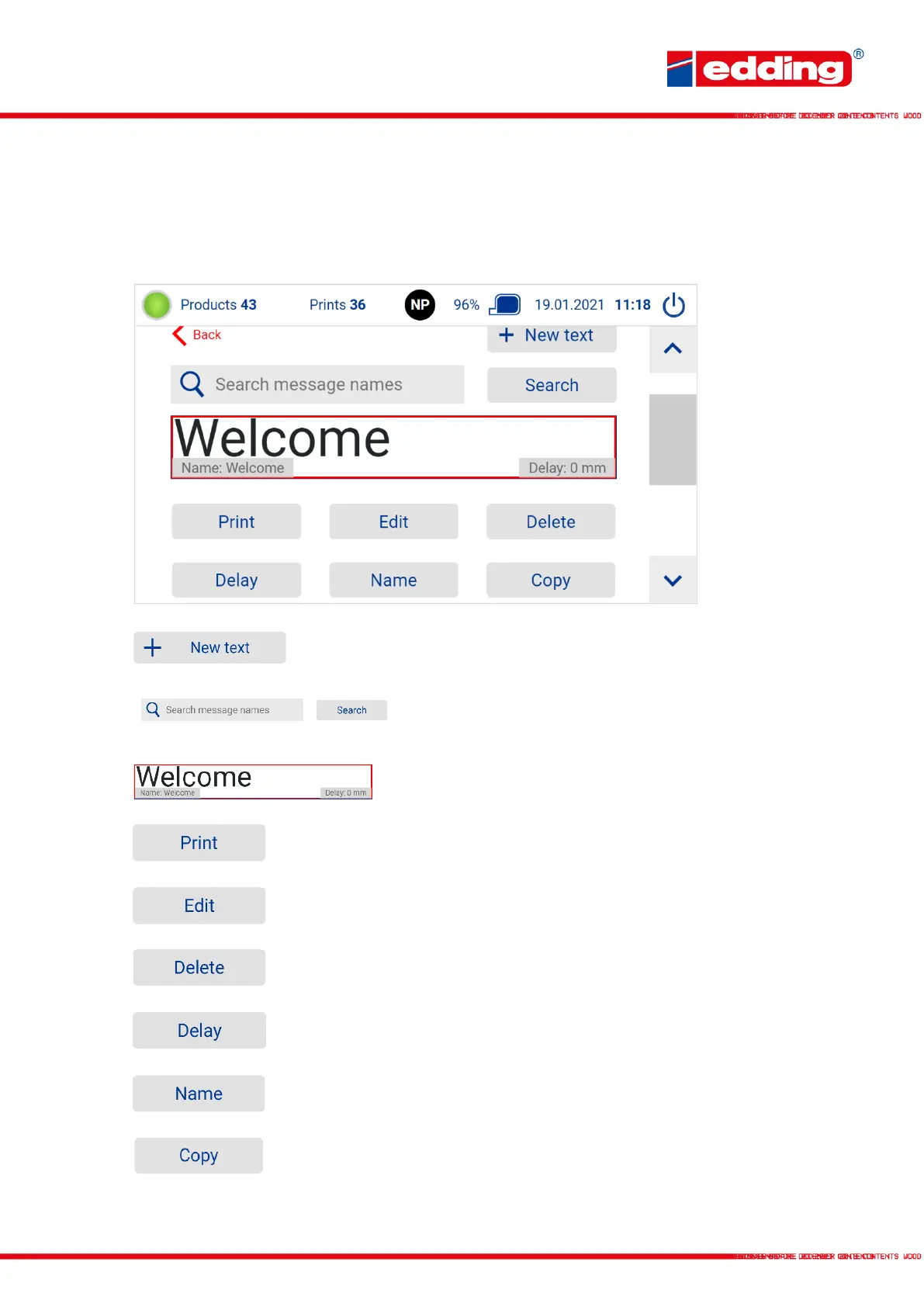
Create new print text
Search field for searching a print text/message by name
incl. start search. Also partial matches will be displayed.
Preview screen of a created print text
Select text as new text to be printed
Edit text
Delete print text
Set print delay for the current text in mm
Rename print text/message
Print text/message content will be copied and pasted
into a new message.



 To Next Page