Seite 19
4 Settings
4.1 Assistants
Installation assistants configure the most important settings using simple questions:
Basic settings: Prompts the most important basic printer settings, which suffice for the majority
of applications. Starts automatically when the printer is powered-up for the first time (see 2.4).
Logo assistant: Upload logos to your printer, that can be used in new messages. Can only be
used when accessing the printer form an external browser (PC connection or smart
phone/tablet with the printer). Logos must be created in .bmp format. The full print height of
12.7 mm corresponds to an image height of 300 pixels, therefore this is also the maximum
image height.
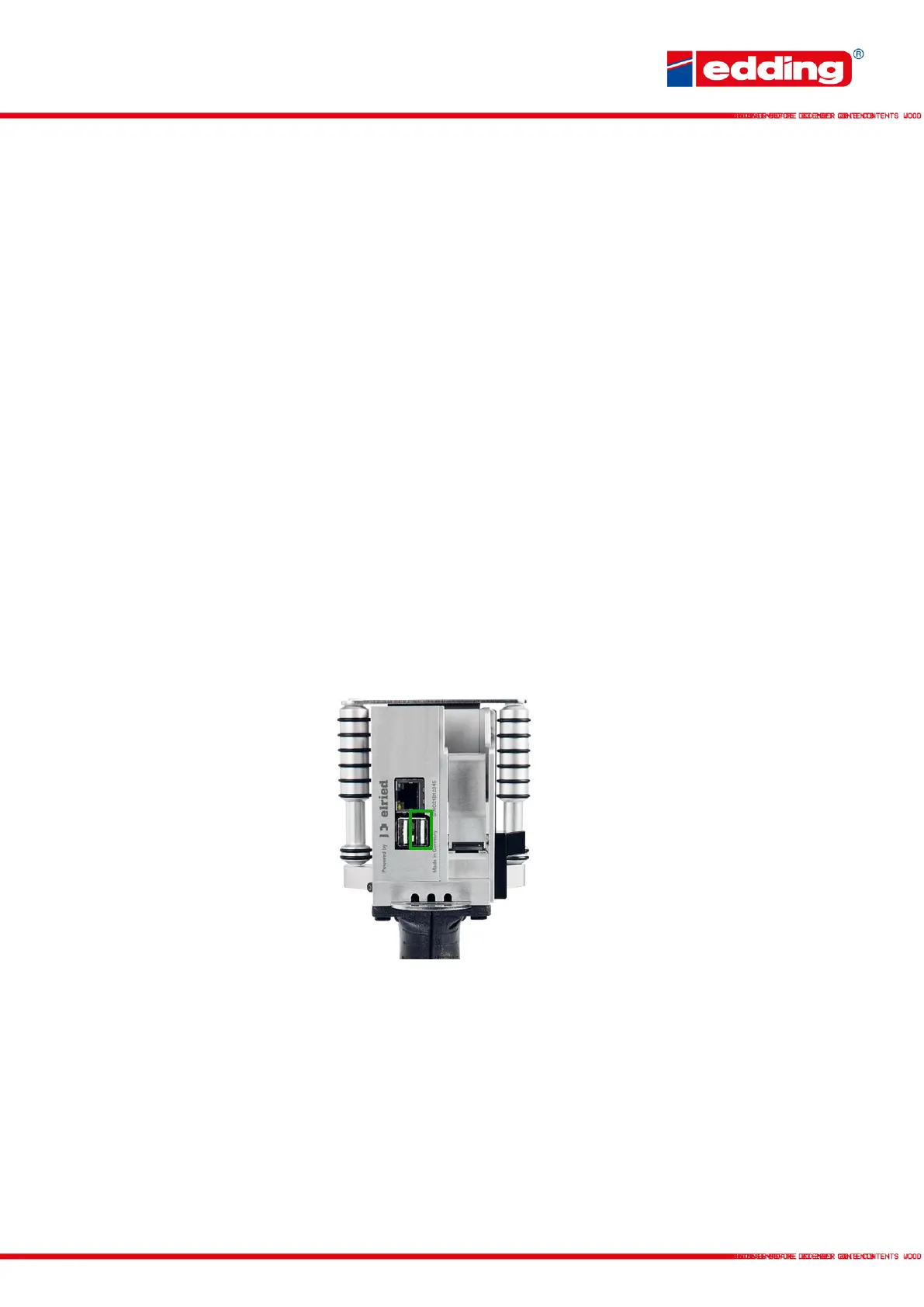
Firmware Update: Update the firmware of the printer mainboard via ethernet or USB. The USB
stick must be formatted in FAT32 format. The USB stick should only contain the update files
without subfolders.
To execute the update, insert the USB stick with the update file into the right USB port (marked
green) and then start the update. The device must be connected to the power supply during the
update! You will not see a progress bar during the update. The update takes up to 20 minutes.
External Parameters: The system is delivered with 5 placeholders for variable data:
Param_01, Param_02,… until Param_05, which can be processed in print messages using the
following 2 field types: "Dyn. 2D" and "Param".
Clean cartridge: Possible solutions for cleaning and reactivating dirty or dried-up cartridges.



 To Next Page