Seite 5
2 Introduction
This chapter describes the printer, the input and the menu structure.
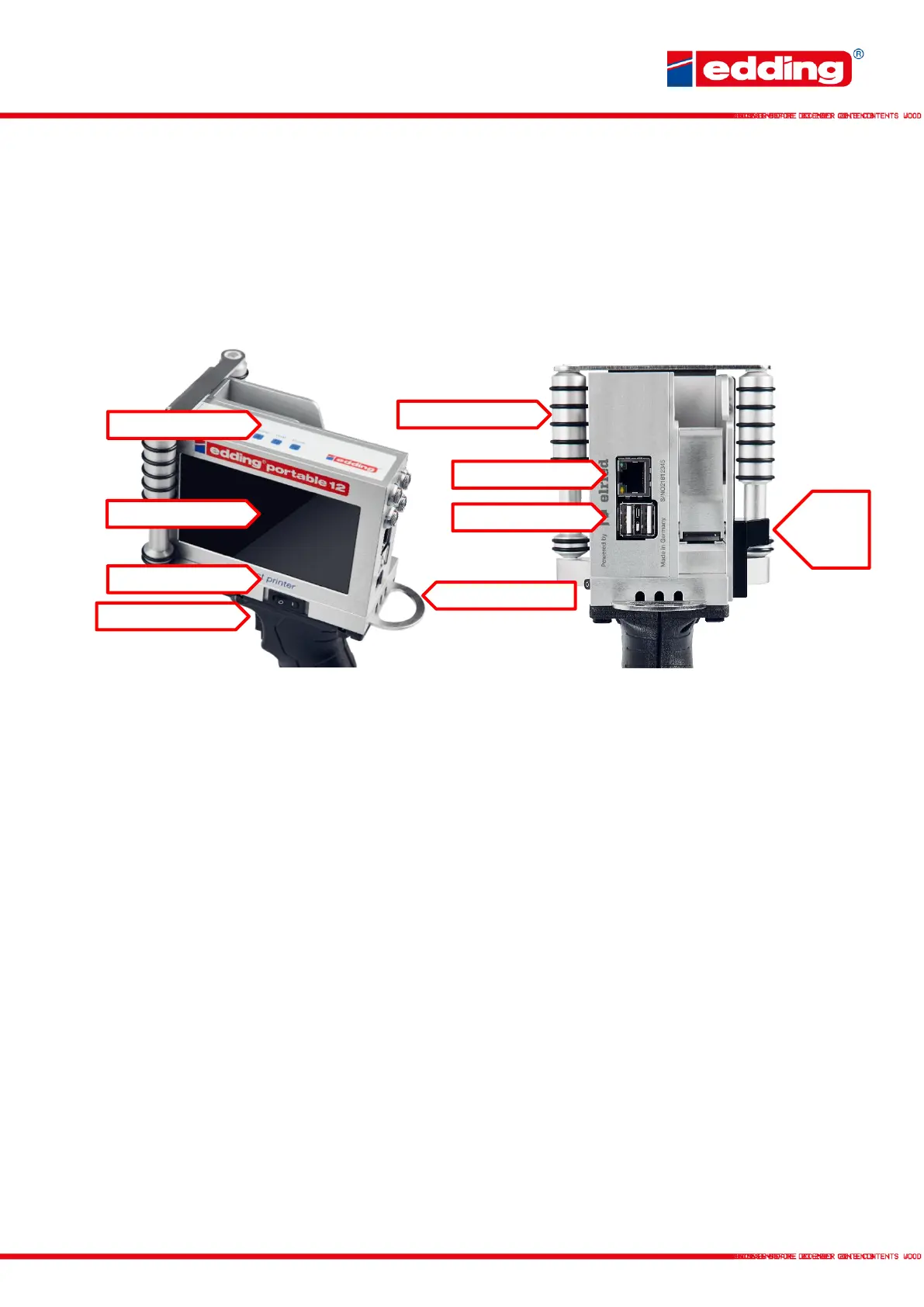
2.1 Device overview
Status LEDs
Power: Printer is supplied with voltage and powered-up
Print: Printer is in print mode; printing is performed when triggered
Ink low: When remaining cartridge volume is <10%; cartridge should be replaced soon
Alarm: Warning/error; the printer is not currently ready to print
Printing direction: Current print direction, viewed from the rear of the printer
Touchscreen
Central control panel of the printer; can be operated by touch or using the wireless keyboard
supplied.
Ethernet
Gigabit Ethernet port for integrating the printer into an existing network. As a default, the printer
will have the IP address 192.168.0.200.
USB
2x high-speed USB ports for external accessories such as keyboards or USB data carriers.



 To Next Page