Seite 29
5.3 Dynamic fields via TCP/IP port
In many cases, it is required to send variable data to the printer, that is then being printed as
plain text or as part of a 2D-code. Examples could include:
- Printing a non-linear serial number that changes for every product.
- Scanning a barcode and then printing its content
- Printing filling information on the product to improve traceability.
- etc.
In order to do so, edding compact printers offer 5 fields for variable data: Param_01, Param_02,
…until Param_05. These can be selected when creating a message.
To then change the content of these data fields, you do not have to follow any complex
commands. We simply created 5 TCP-ports that stand for each of the data fields:
- Port 10001 for Param_01
- Port 10002 for Param_02
- Port 10003 for Param_03
- Port 10004 for Param_04
- Port 10005 for Param_05
-
You only need to send your data to the IP-Address of the printer and the respective port,
followed by a “CRLF” (Carriage Return Line Feed, or \r\n or 0x0D0A). The printer will use that
new data for its next print.
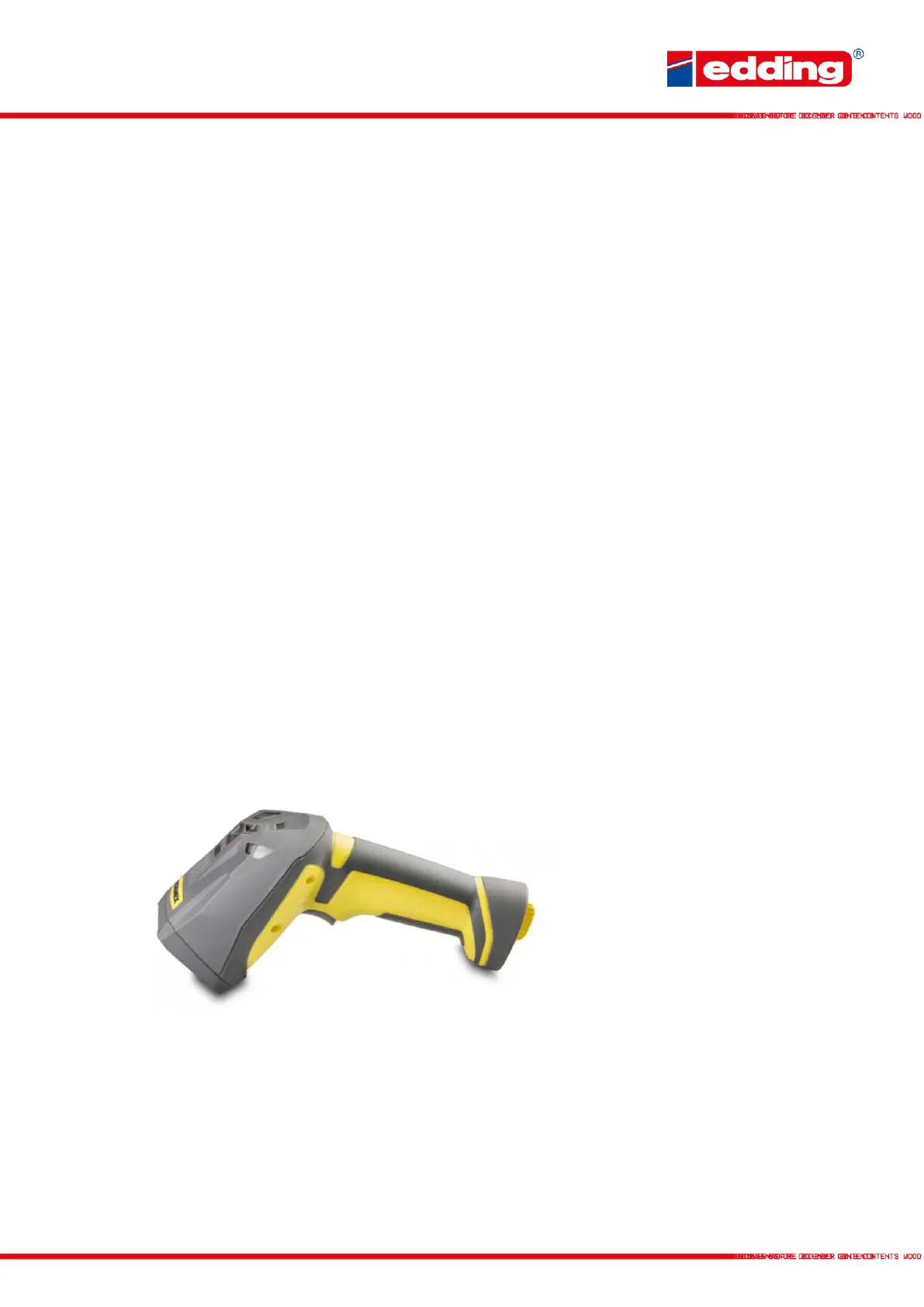
Sending data to an IP-port can be done from a PLC or any piece of software you are using, but
also many barcode scanners and accessories like scales allow you to do so.



 To Next Page