Seite 24
5 External communication
5.1 Access from PC or smartphone/tablet
The in-line 12 can be found, operated and controlled from any device on the same network as
the printer.
A few provisions must first be made:
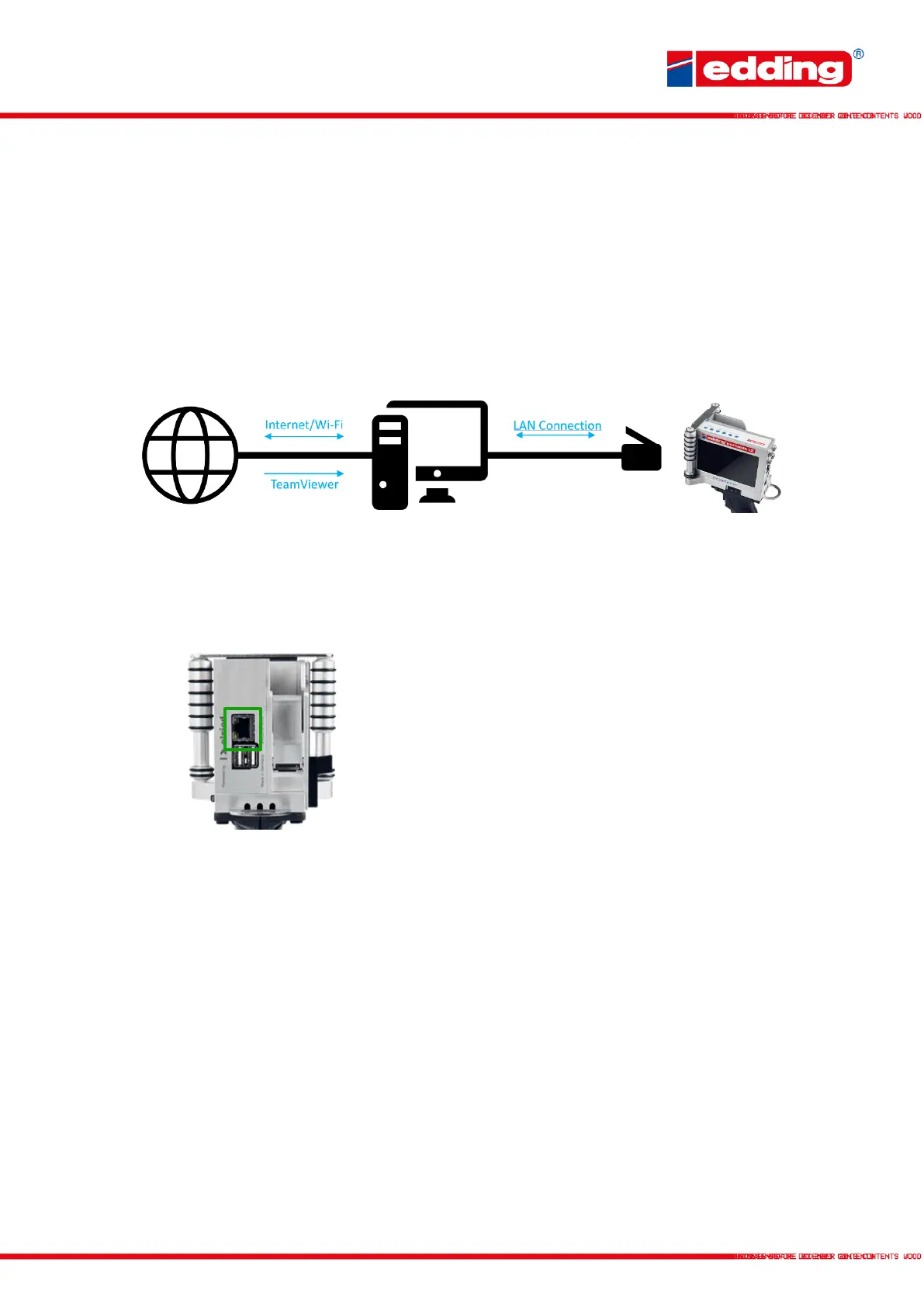
1. If there is only one slot for an Ethernet/LAN connection on your PC, please connect the PC
to the Internet via Wi-Fi and make the Ethernet/LAN slot free for the printer.
2. Connect the printer to the PC using the Ethernet/LAN cable.
Plug the network cable (Ethernet/LAN) into the PC and
printer (marked green).
Only plug in/plug out the network cable when the printer
is switched off!
3. If you cannot proceed with the following steps, please download and install the
TeamViewer program on your PC. With this tool, we can help you to set up the printer with
the network in case of problems.
The following steps on the next page show how to set up the network to use the printer with the
PC:



 To Next Page