Seite 20
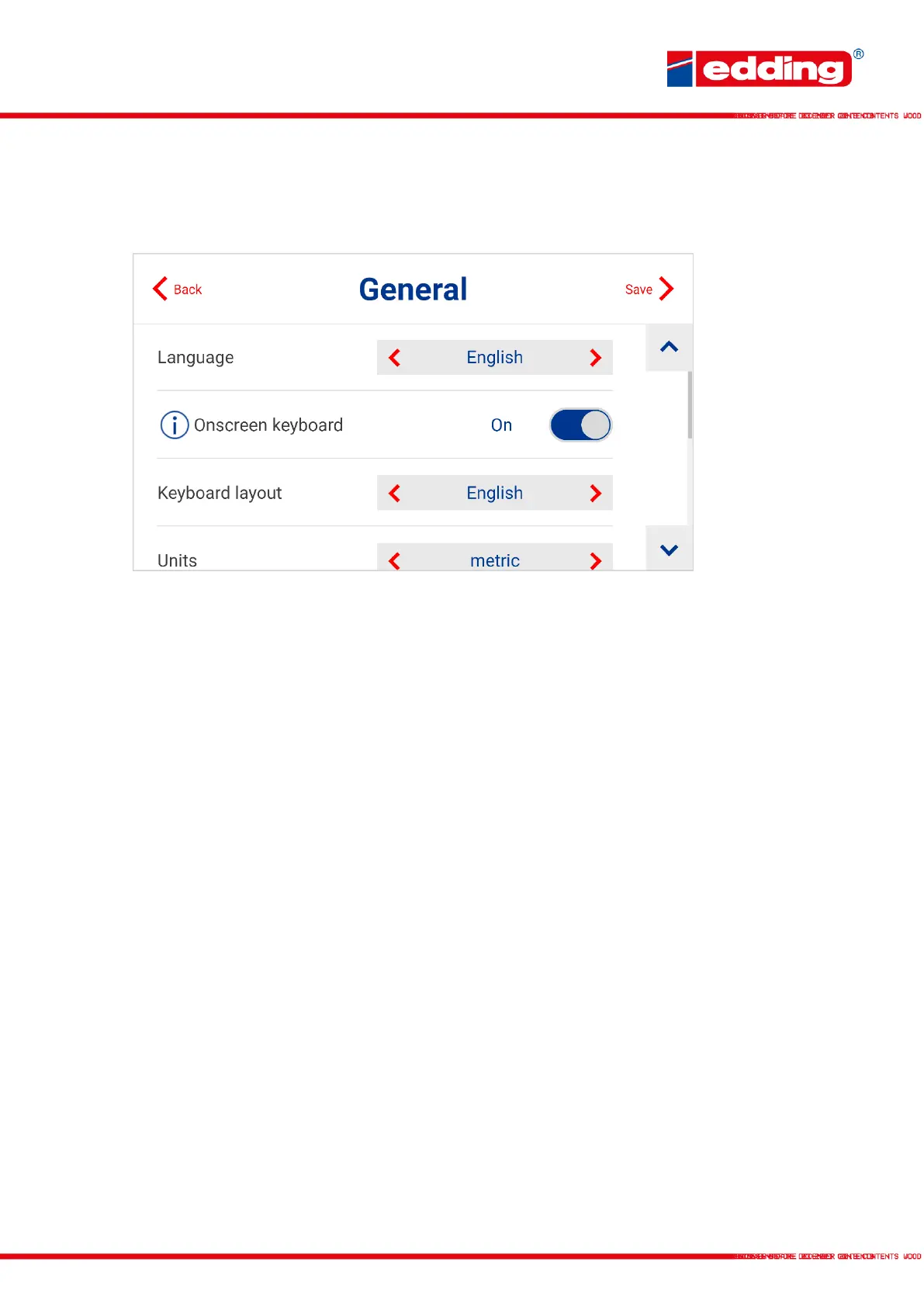
4.2 General
General system settings, as well as network configuration.
Language: Selection of display language
Onscreen Keyboard: Selection whether the virtual onscreen keyboard is displayed and used
or not
Keyboard layout: Selection of the keyboard layout for the virtual onscreen keyboard
Units of measurement: Choice between metric (mm, cm, m) and imperial (inch)
Ruler: Ruler for simplified orientation during text/message creation
Network/Wifi: Menu for setting the network type (LAN or Wifi) and settings
Date/Time: Adjustment of the current date (dd/mm/yy) and current time (hh:mm)
Expert mode: Additional settings for trained engineers.



 To Next Page