Seite 26
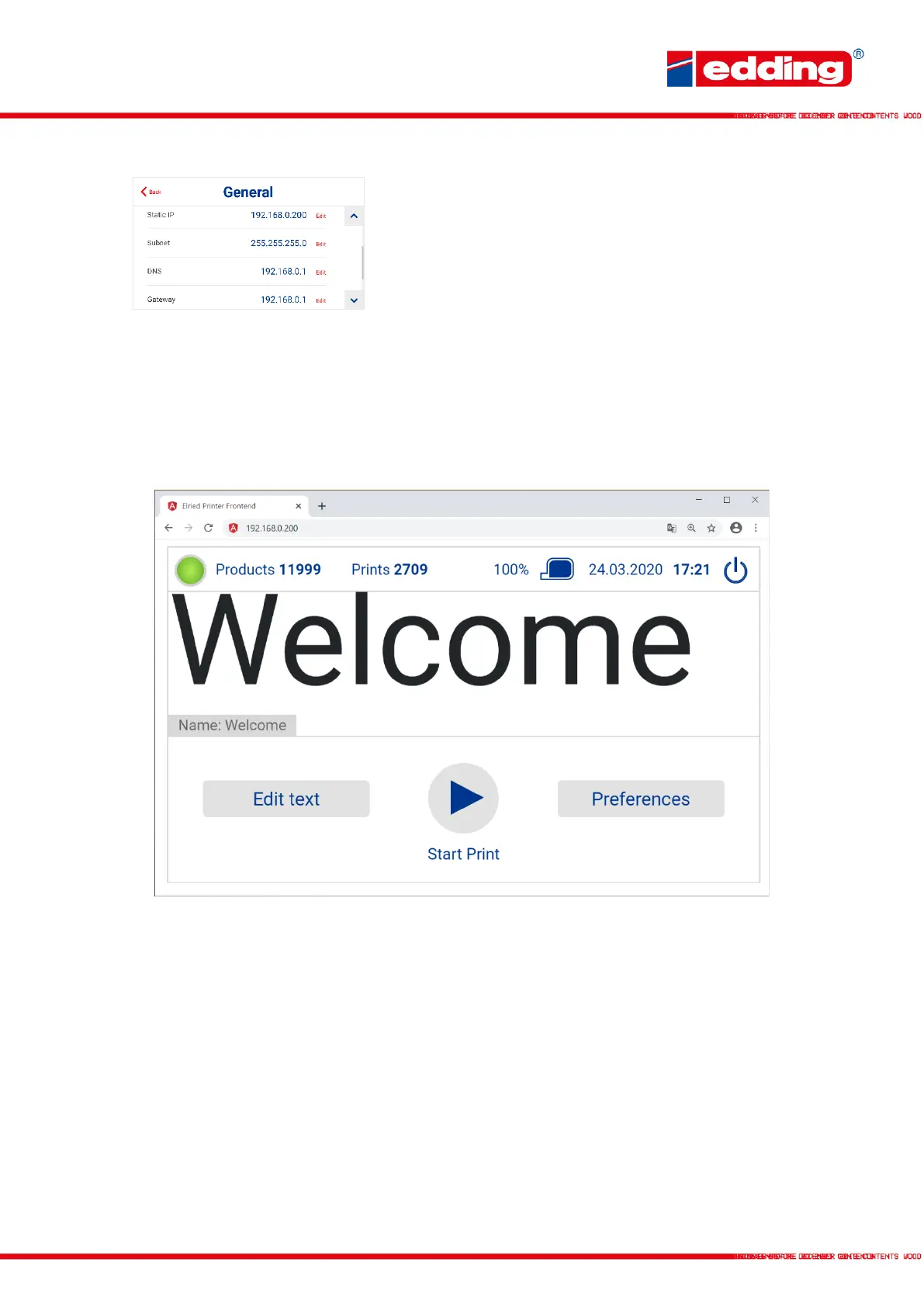
Finally, set the settings described in the image in the printer
under General
→
Settings and save them.
Now open any browser on the computer, such as Chrome or Safari, and enter the static IP
address previously specified in the printer (in this case 192.168.0.200). The same menu opens
as on the printer itself. From here, the printer can now be monitored, new texts can be created
and selected, and settings can be adjusted.
To operate and control the printer with a smartphone or tablet, the printer must be connected to
the Wi-Fi router with a LAN cable and the default settings must be made on the Wi-Fi network.



 To Next Page