INTRODUCTION PARTS DESCRIPTION INSTALLATION OPERATING INSTRUCTIONS INTERNET UPDATES APPENDIX
O P E R A T I N G I N S T R U C T I O N S
42
U S E R G U I D E
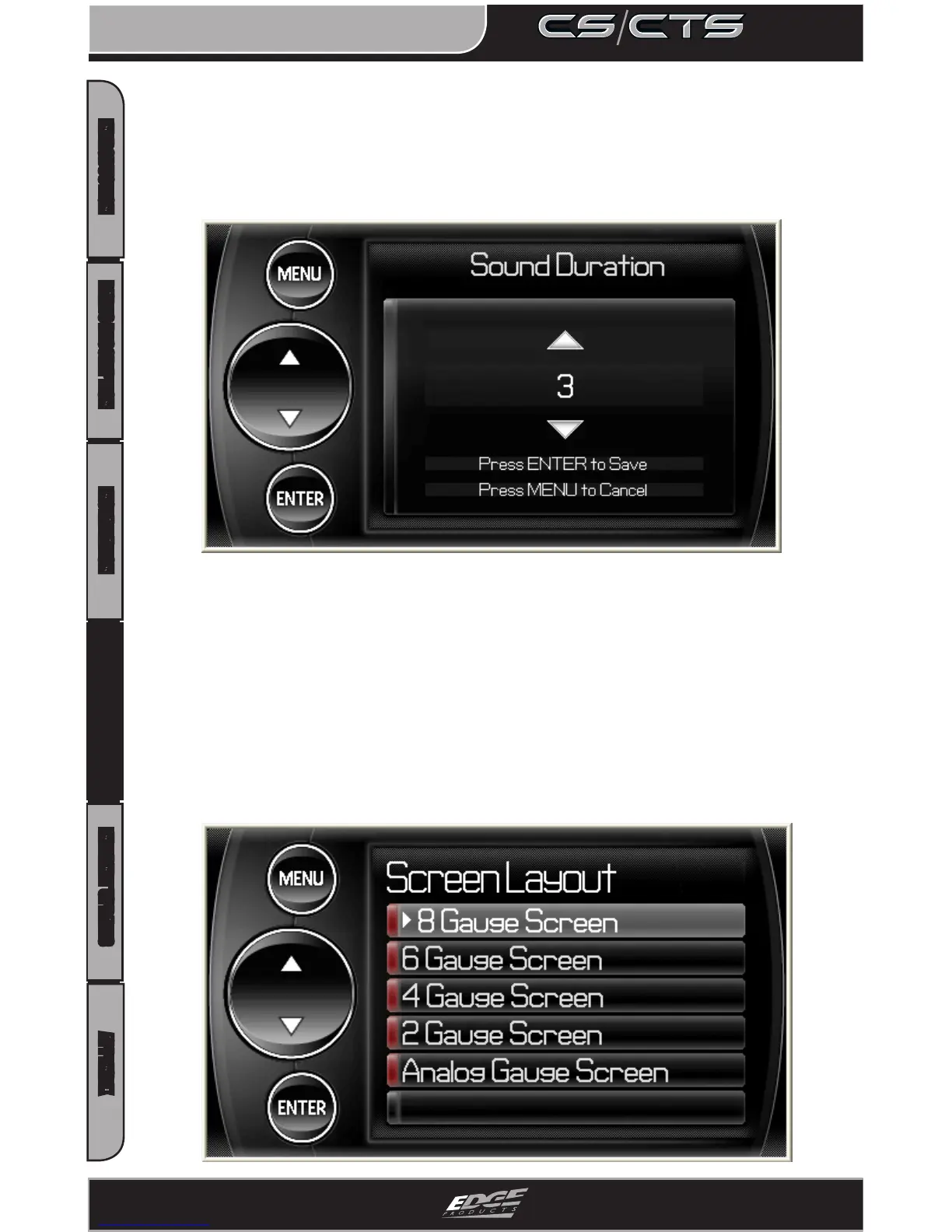
Screen Layout
The screen Layout menu allows you to choose from ve dierent
screen layout options. The Analog Gauge Screen is set as the
default. Once you’ve selected the gauge screen you want to use you
can customize which parameters are displayed by simply touch-
ing the parameter value on the main screen (CTS) or pressing enter
while on the main screen (CS) and choosing the PID you’d like to
display from the drop down list.
Sound Duration
You can adjust the duration of the alert sound by using this menu
option. Simply press the up/down arrow until you have the desired
sound length in seconds.


 To Next Page