INTRODUCTION PARTS DESCRIPTION INSTALLATION OPERATING INSTRUCTIONS INTERNET UPDATES APPENDIX
O P E R A T I N G I N S T R U C T I O N S
44
U S E R G U I D E
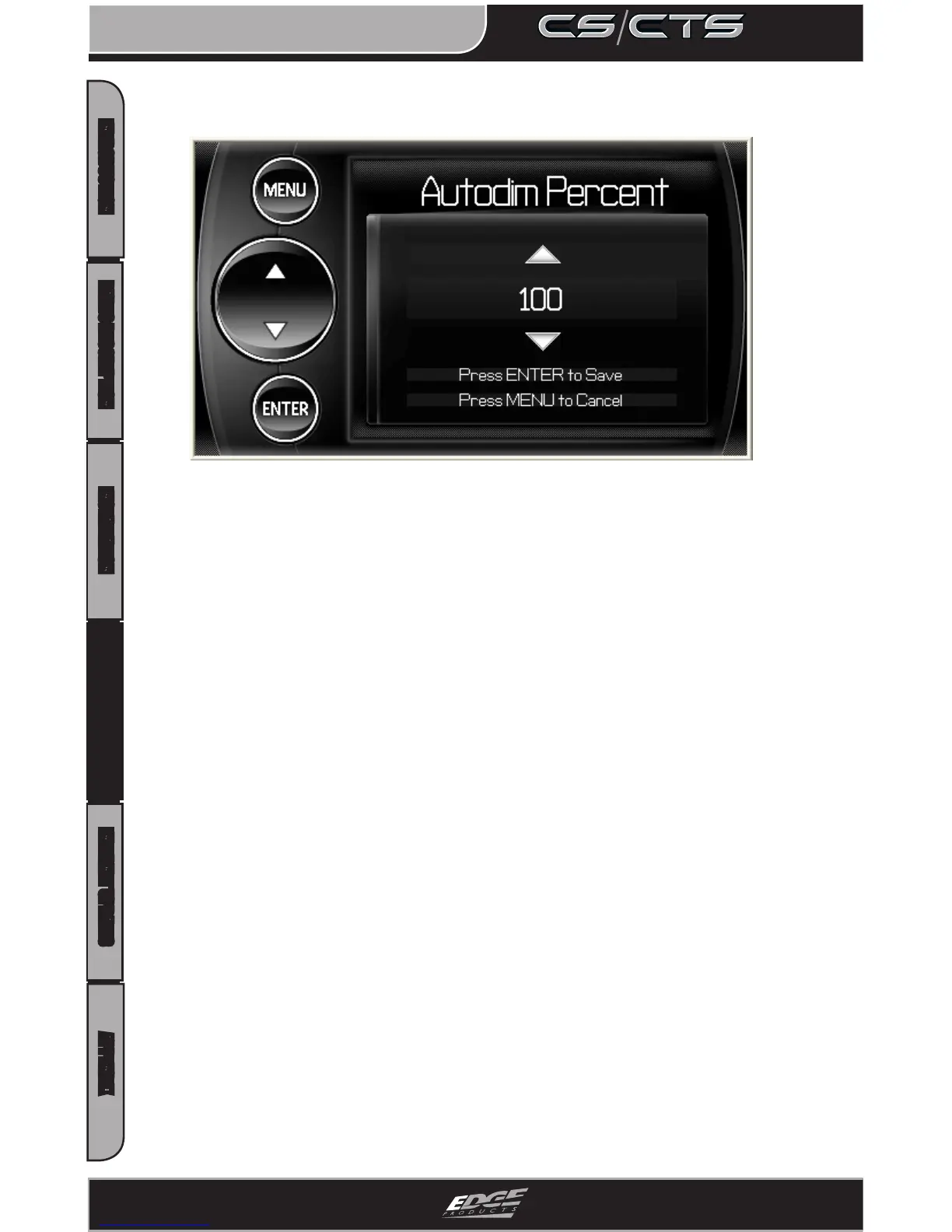
The CS and CTS devices both have ambient light sensors. As it get’s
darker outside the device will automatically dim the screen for
easier viewing. The Auto Dim feature allows you to set how far it will
dim the screen.
NOTE: It’s best to make this adjustment at night so you can verify the
screen brightness is to your liking. You’ll need to return to the main
display screen after setting
the Autodim percent in order to see the
changes.
Backlight Auto Dim


 To Next Page