2007.5-2011 6.7L (RACING)
NOTE: The installation for the EDGE RACING Juice harness is the same as
the 2006 - 2011 Installation instructions. Once the harness components are
installed, refer to the “DPF EGT SENSOR INSTALLATION” section.
CAUTION: 2010 Dodge trucks that have been manufactured before March
2010 may generate engine fault codes. In order for the Race Juice to work
correctly with the DPF off, your truck may need to be updated. Only a Dealer
can update your truck’s computer so this is important to know before you
remove your DPF. To fi nd out which software fi le your truck has, follow these
steps:
1. Have the Edge Racing Disclaimer (www.edgeproductsracing.com) signed
with the unlock code ready.
2. If you have already installed your juice module, to retrieve your vehicle’s
calibration I.D., skip to step 4.
3. Make the following connections to power up the device (NOTE: You will not
yet need to permanently install any of these connections):
Connection 1 - On the main juice harness, locate the single red wire and con-
nect it to fuse M53 (fuse box under the hood). See Figure 3B on page 28 of
this manual. Use the supplied fuse taps.
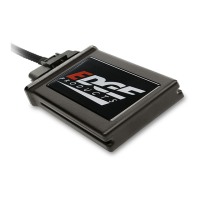
Connection 2 - Connect the Juice Module to the Main Harness. See bottom of
page 41 of this manual.
Connection 3 - Connect the Green Juice Module Connector to the Green JAB
connector. See Figure 2 on page 39 of this manual.
Connection 4 - Make sure the EAS is assembled correctly (see Figure 2 page
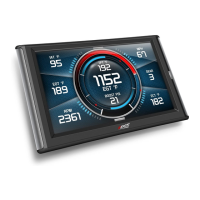
39) and then plug the 6 pin connector into the back of the CS/CTS.
Connection 5 - Locate the OBDII connector under the dash, and plug in the
supplied OBDII cable. Route the opposite end to the data link connector on
the main harness, and plug them together. See Figures 8,9, and 10 on pages
30 & 31 of this manual.
Connection 6 - Plug the other end of the OBDII cable into the back of the CS/
CTS. See top of page 41 of this manual.
4. Turn the key to the on position and touch the screen (CTS) or press a button
(CS) and the device should power up. If not, check your connections.
5. Enter the MAIN MENU, then the HELP MENU, then choose the VE-
HICLE INFO option. If AU, AV, or AX is displayed at the end of the chain of
numbers, you will need to have your truck updated at the dealer. If you need
any help with this please contact tech support: 801-476-3343 or 888-360-3343


 To Next Page