4-8 SECTION 4: Maintenance and Troubleshooting
3200-XS Sub-Bottom Profiling System User’s Manual Doc. No. 990-0000026-1000, Rev. 2.3
The green SYSTEM indicator on
the 3200-XS Topside Processor
does not illuminate when the
processor is turned on.
AC power is not connected. Check the AC power cables and
verify that the Deck Unit is
connected to AC power.
The indicator is not operating. Open the 3200-XS Topside
Processor and check the indicator
and wiring.
The red HARD DISK indicator
on the 3200-XS Topside
Processor does not flash when
the processor is turned on.
The operating system is not
booting.
Open the 3200-XS Topside
Processor and verify that the
80-GB hard drive is connected to
power and that the ribbon cable is
properly plugged in. Also verify
that the ribbon cable in properly
plugged into to the Mother board.
The indicator is not operating. Open the 3200-XS Topside
Processor and check the indicator
and wiring.
When performing the
predeployment tests,
transmissions from the
transducers are not heard.
The Power Amplifier is switched
off.
Turn on the Power Amplifier.
The tow cable is disconnected. Check the tow cable and verify
that it is properly connected on
both ends.
The tow cable is damaged. Check the tow cable connectors
for excessive corrosion or a
broken pin.
If corrosion or a broken pin is not
found, check the continuity of the
conductors in the tow cable.
The Power Amplifier input or
output, or both are disconnected.
Verify that the red banana plug
(amplifier output) on the back of
the Power Amplifier is fully
inserted into the red/red sockets
(not the red/black sockets).
The switches on the back of the
Power Amplifier are not properly
set.
Verify that the switches on the
back of the amplifier are set to
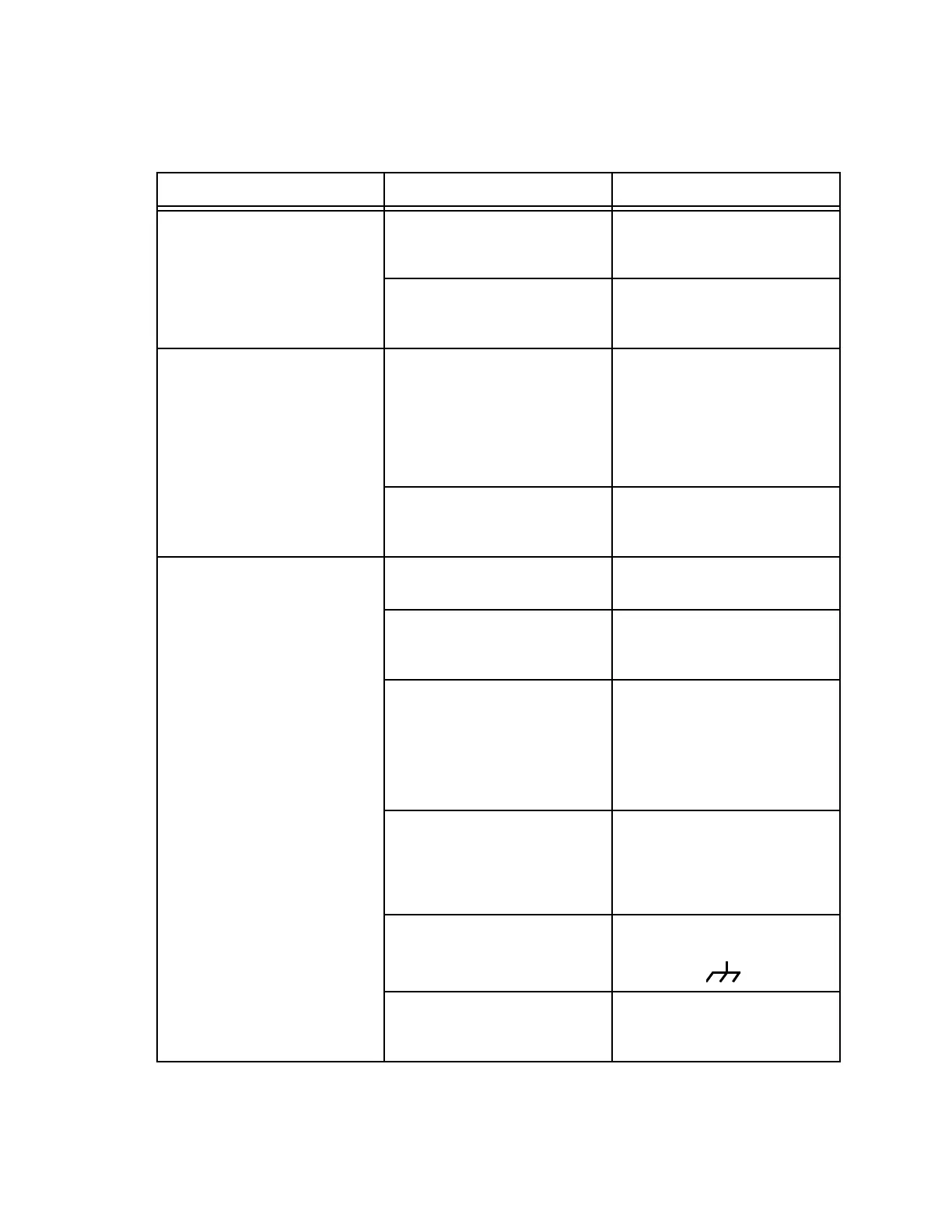
BRIDGE and .
The tow vehicle cable harness
connections are loose.
Verify that all the cable harness
connectors in the tow vehicle are
properly mated.
Table 4-1: System Troubleshooting Guide (Continued)
SYMPTOM PROBABLE CAUSE CORRECTIVE ACTION


 To Next Page