EdgeMarc 2900 Series Hardware Installation Guide
EdgeMarc 2900a MicroSD Card Specifications
Table 3-4 describes supported EdgeMarc 2900a microSD card features.
For information about configuring microSD card settings, see the EdgeMarc
VOS User Guide in the Edgewater Networks Knowledgebase:
www.edgewaternetworks.com/kb
Disclaimer
Some older and slower speed SD cards do not support the entire MMC
specification. These SD cards can dramatically reduce the performance of
SD card write speeds and the overall performance of the system.
Recommended SD cards are class 10, UHS 1 or faster.
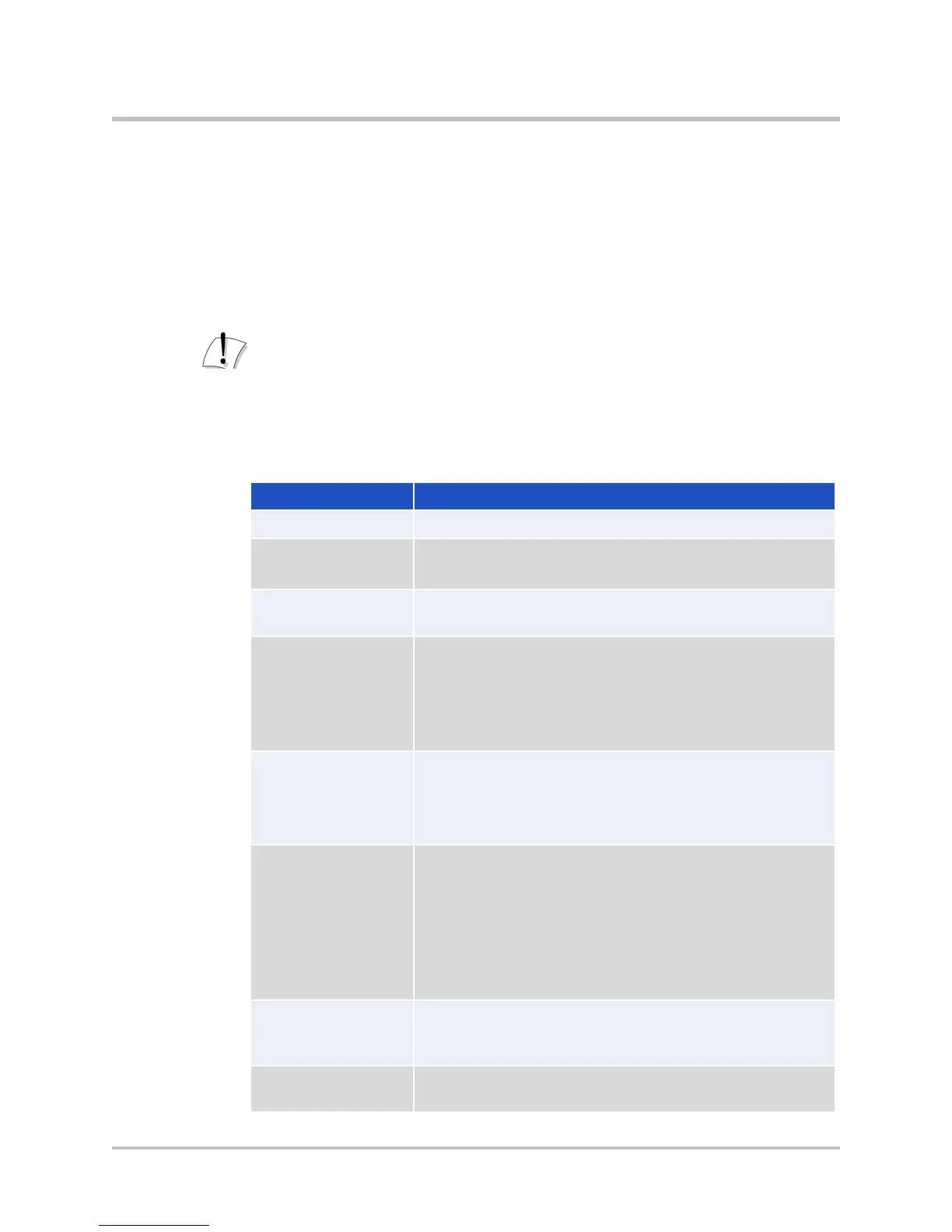
Table 3-4 MicroSD Card Features
MS-DOS File Allocation Table FAT32
classes
Recommended default is Class 10 or faster.
card, 4 GB per file.
delete = rm
copy = cp
rename = mv
edit = vi or cat
create = mkdir
delete = rmdir
rename = mv
mount = sdcard mount
unmount = sdcard umount
format quick = sdcard format
name/rename microSD card = sdcard volume
<volume name>
status = sdcard check
You can copy the following types of files to and from
the microSD card using the CLI: conf1, conf2,
syslog, pcap, mand logs, sys_report output.
The TFTP file server is used for endpoint
configuration file storage.
© 2017 Edgewater Networks. All Rights Reserved. 18


 To Next Page