5
Configuring Basic Network
Settings
This chapter explains how to connect to the EdgeMarc and access the graphical
user interface (GUI) to configure basic network settings for the first time. Refer
to the EdgeMarc VOS User Guide for complete details on how to configure your
EdgeMarc device for your network deployment.
Connecting to the EdgeMarc for the First Time
Deploying the EdgeMarc 2900 series Session Border Controller
Connecting to the EdgeMarc for the First Time
The LAN interface ports are pre-configured with the IP address 192.168.1.1.
1.
Connect a computer to the LAN interface port (LAN Port 1) using an
Ethernet cable or connect to an Ethernet switch (using the IP address
192.168.1.2 and subnet mask 255.255.255.0).
2.
Launch a web browser on your computer and enter the following URL:
http://192.168.1.1.
3.
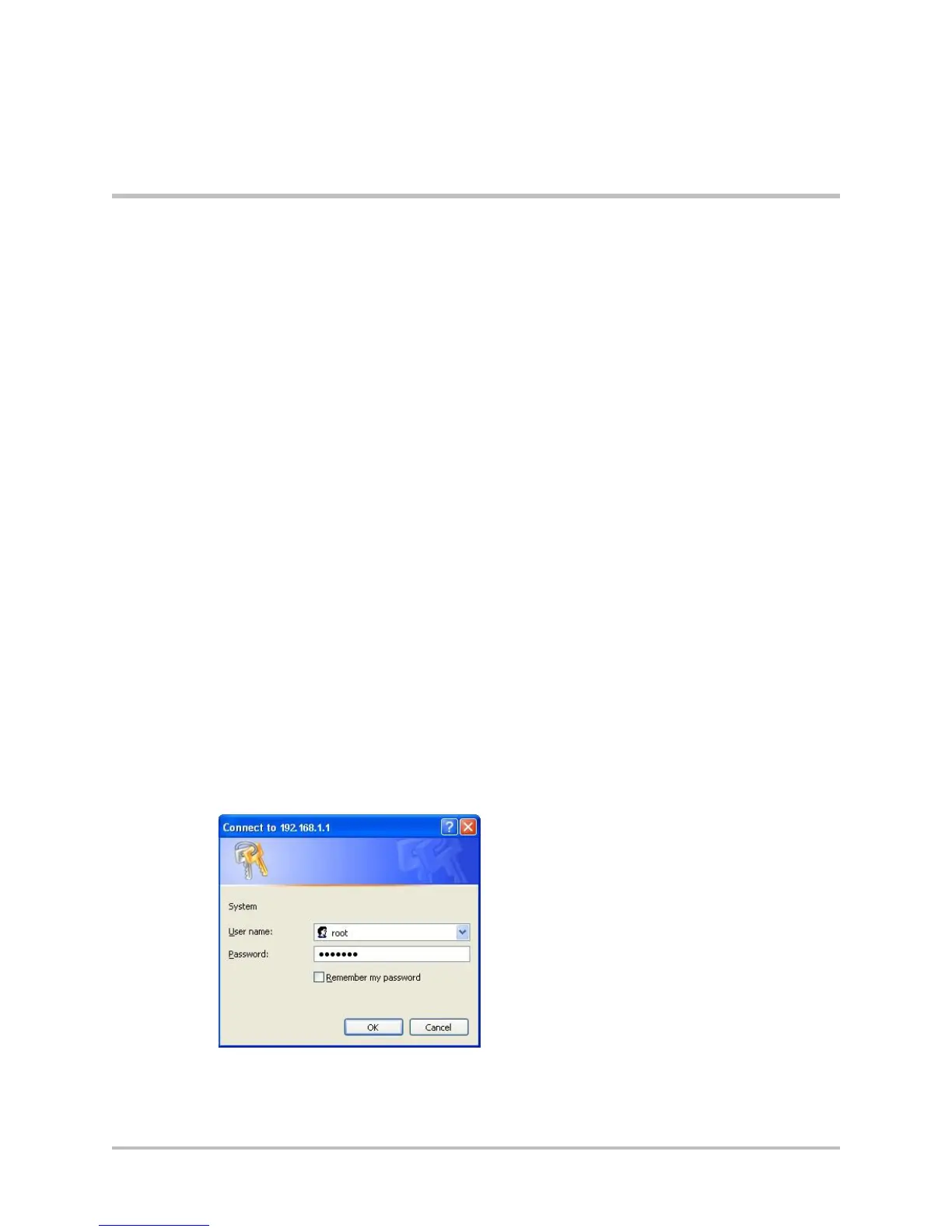
Press Return. The EdgeMarc login screen is displayed.
Figure 5-1 EdgeMarc login screen
4.
Enter your initial username in the field provided: root
5.
Enter your initial password in the field provided: default
© 2017 Edgewater Networks. All Rights Reserved. 26


 To Next Page