2
Product Overview - 2900e
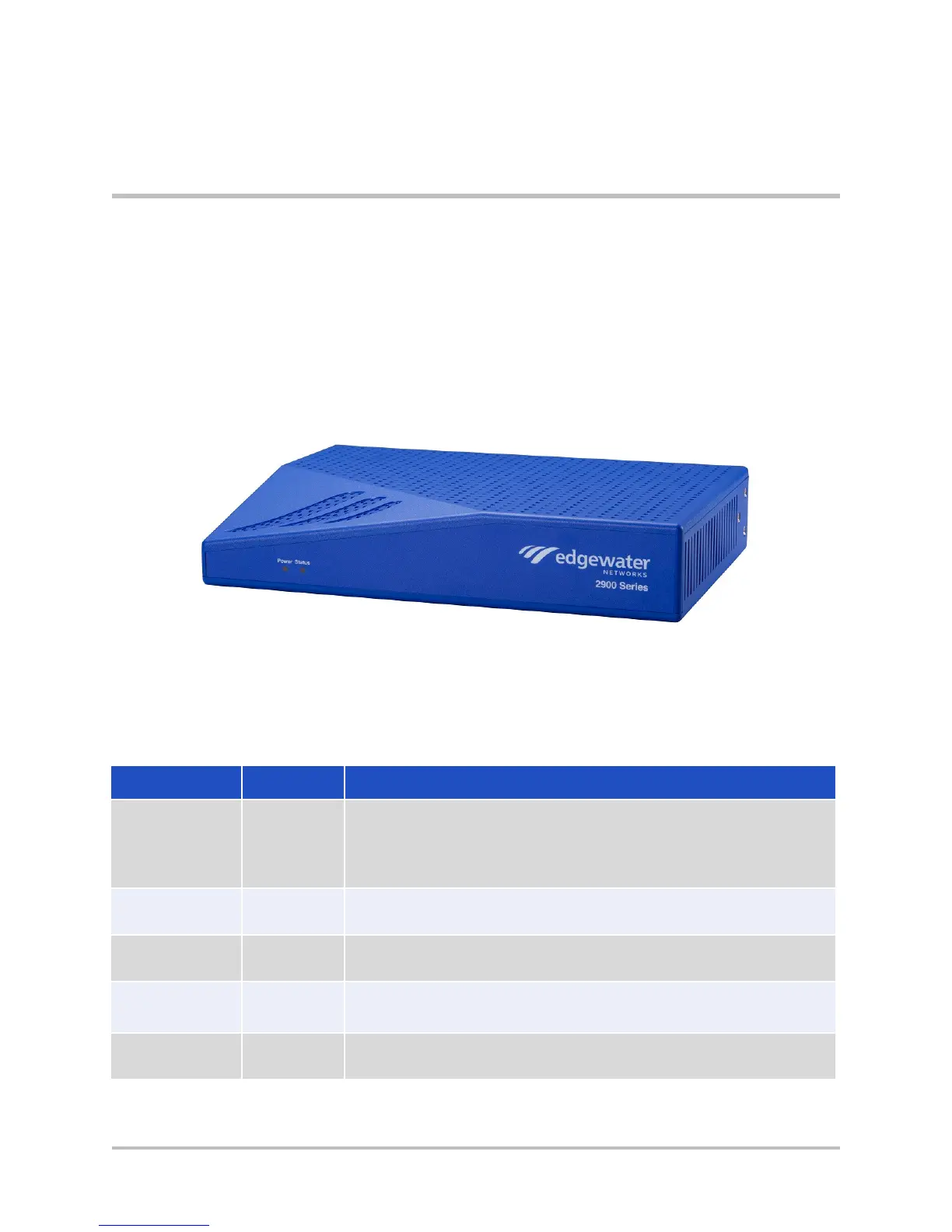
EdgeMarc 2900e Front Panel
Figure 2-1 EdgeMarc 2900e Front Panel
When lit, the Power LED indicates power is applied to the system. The
Status LED changes to indicate the current state of the system.
(Figure 2-1).
Table 2-1 EdgeMarc 2900e LEDs
LED Indicator Description
Power is not supplied to the device.
Troubleshoot by verifying that the power adapter is
connected to the unit and that power is supplied to the AC
wall outlet.
Green
Power is supplied to the unit.
Power is not supplied to the device, or the bootloader failed
to load.
Amber
The device is running a self-test and is initializing.
Amber
The device is upgrading its software.
© 2017 Edgewater Networks. All Rights Reserved.
6


 To Next Page