37
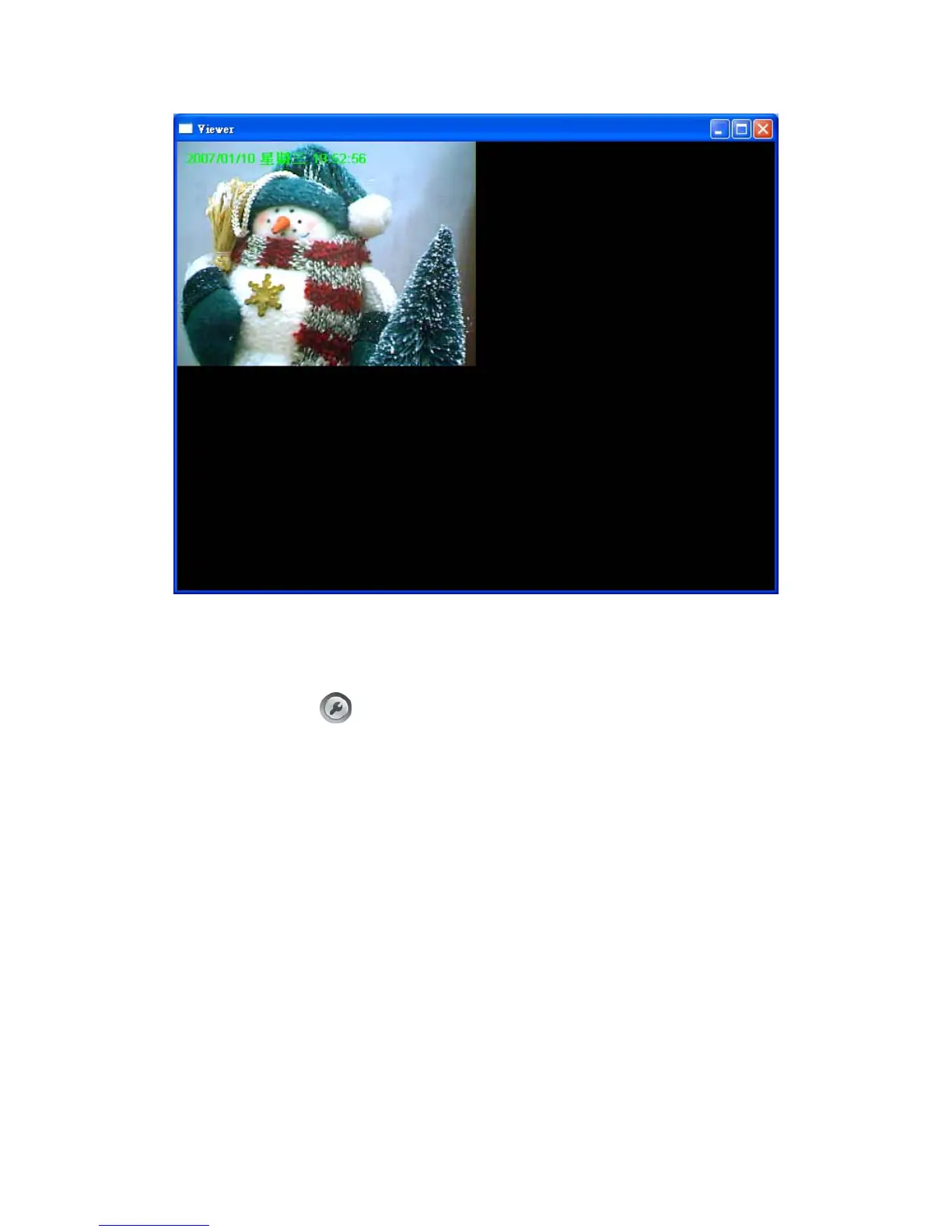
7.8. Viewer Utility Setting
Click the “Setting” button , and then the setting window of the Internet Camera will pop up.
Note: When you want to change the settings such as IP Address, Video Port, etc. in the
“Setting” option, you must disconnect the Internet Camera first by clicking the “Stop”.



 To Next Page