80
13. Appendix D Configure Windows 2003 Server
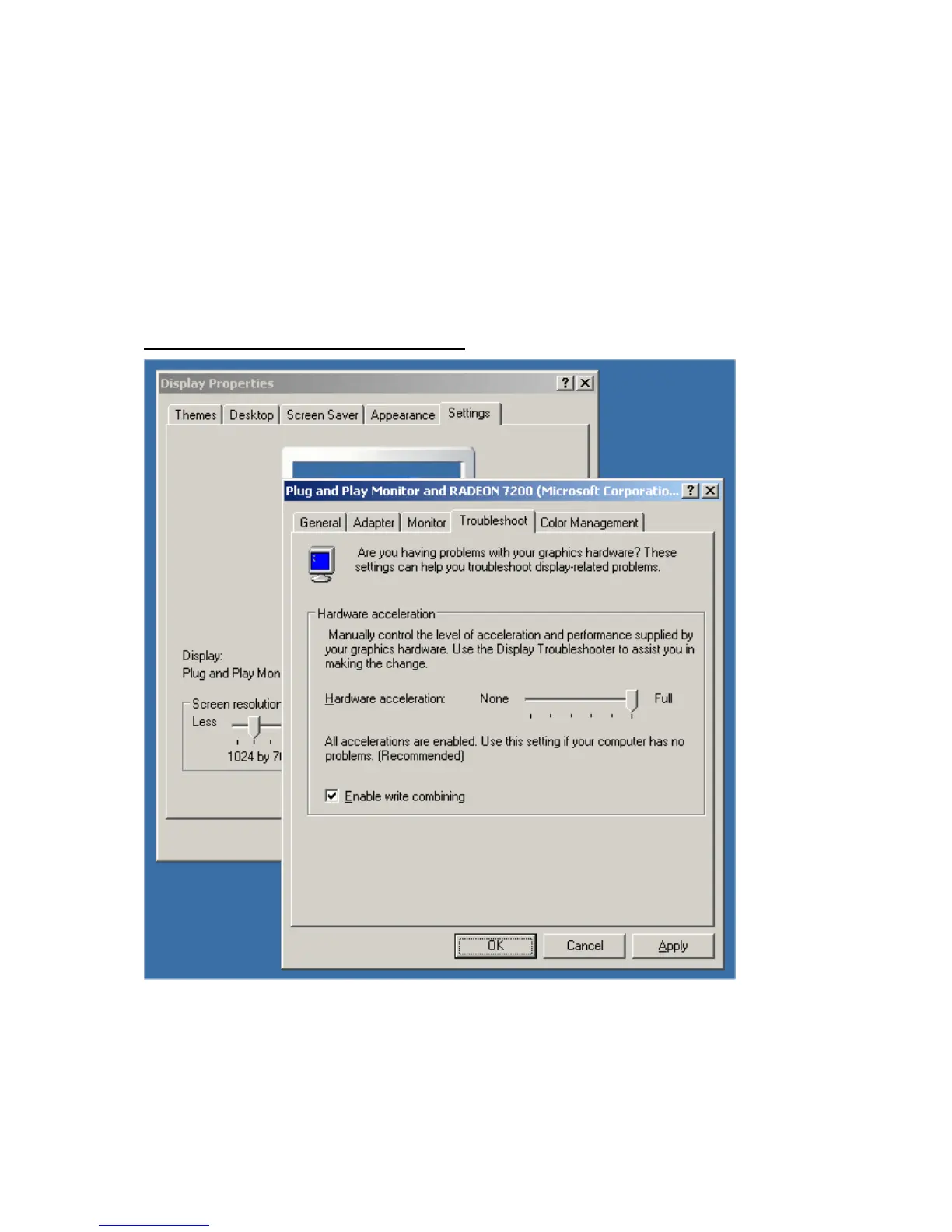
Graphics Hardware Acceleration and DirectX are disabled by default on a Server
configuration to ensure maximum stability and uptime. But for any reason you need to enable
them to use DirectX enabled applications this section will guide you through on how you can
do it.
Enabling Graphics Hardware Acceleration
1. Simply right click anywhere on your desktop and select Properties -> Settings tab ->
Advanced -> and finally, the Troubleshoot tab.
2. Now move the Hardware acceleration slider across to Full
3. Click OK
4. You may experience a monitor black out for a few seconds, this is normal.



 To Next Page