65
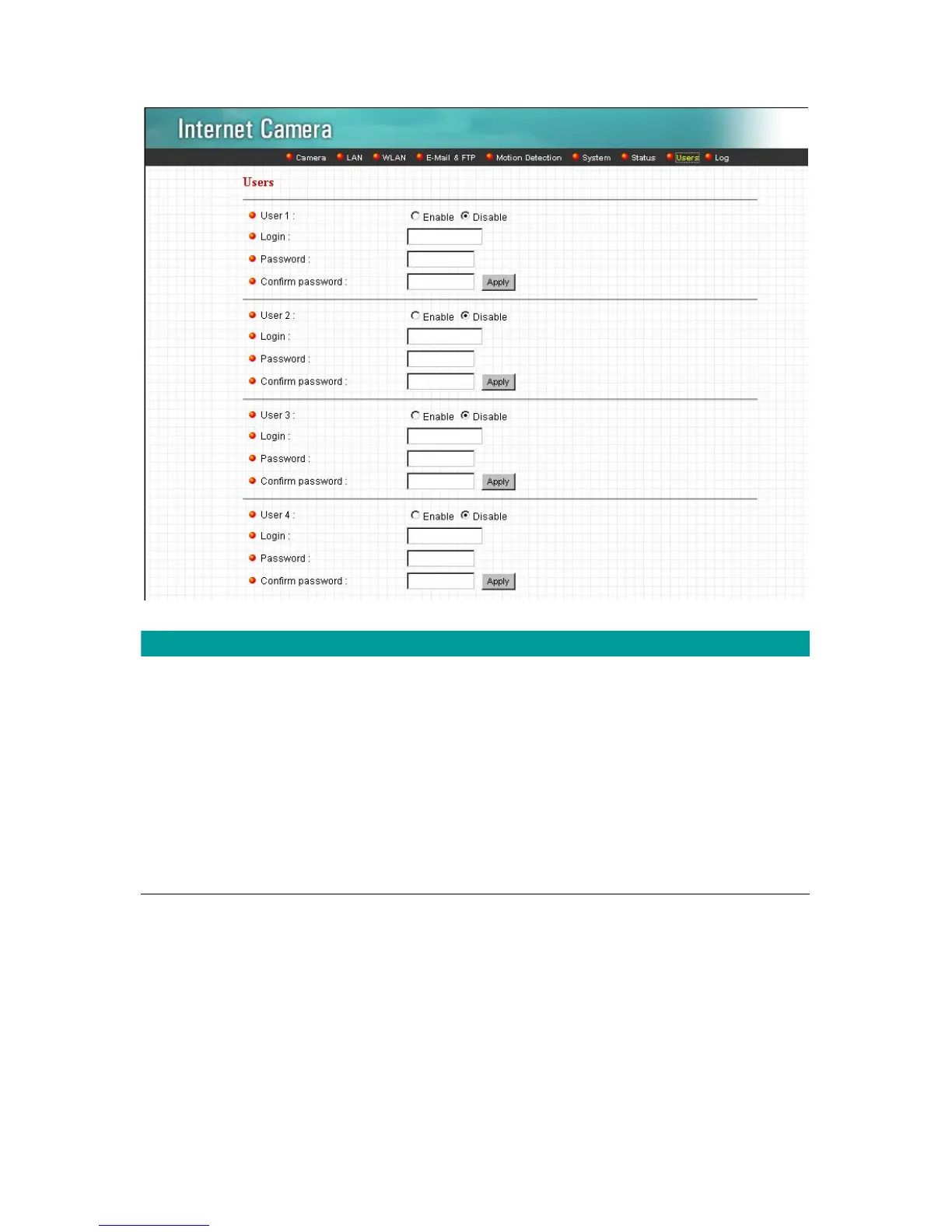
User 1 / 2 / 3 / 4
User #
Enable or Disable the user number #.
Login
Enter the the login name to the camera.
Password
Enter up to 4 digits password for the new user account.
Confirm Password
Enter the password again to confirm the setting.
Apply
Click “Apply” to save the user account setting.
8.9. Log
The “Log” allows users to monitor the device event and time. If you have trouble to use this
device, the log file will help administrator to know the status of device.



 To Next Page