52
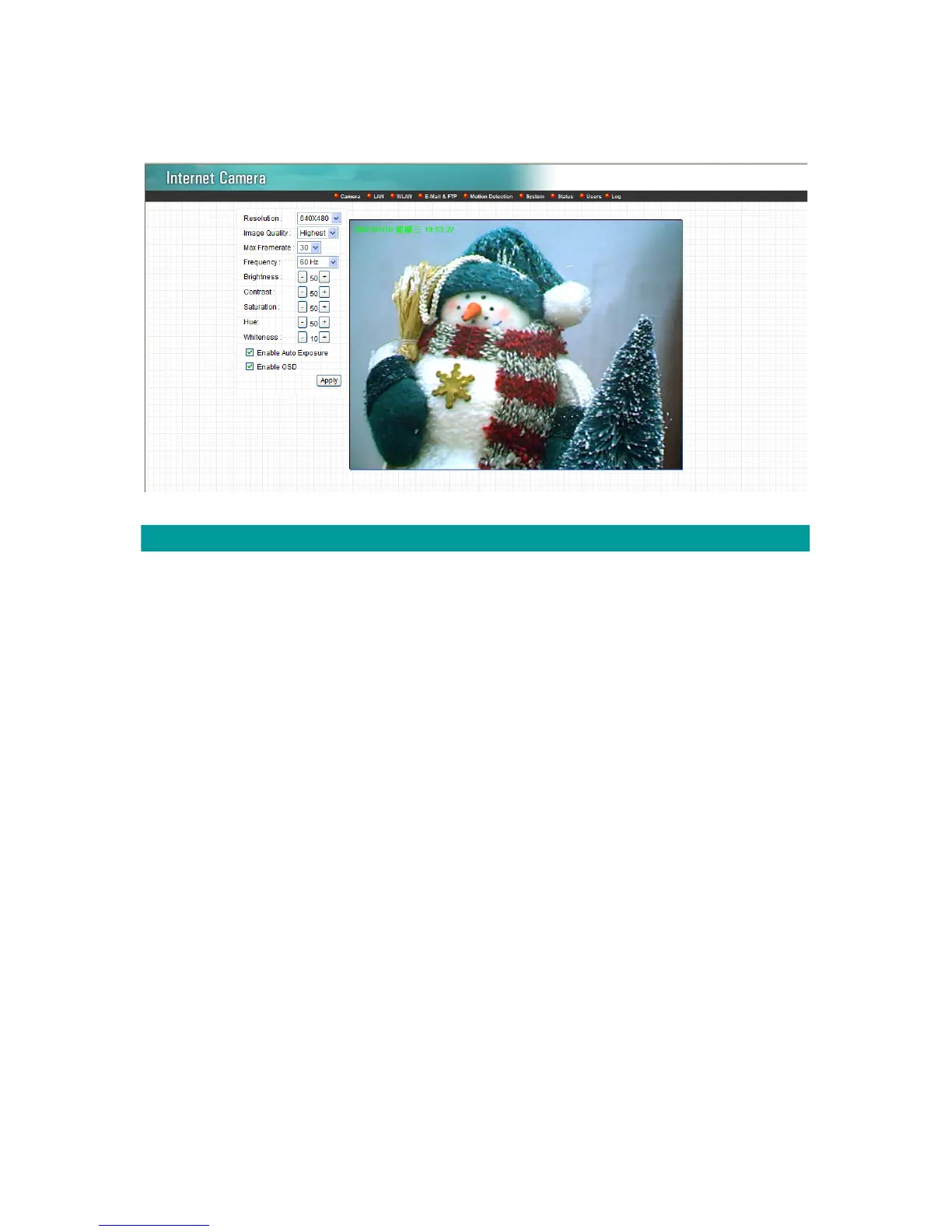
8.1. Camera Setting
Camera Setting
Resolution Select the desired video resolution format. Larger resolution
requires more bandwidth. 640 x 480 is “VGA” format. 320 x 240 is
“CIF” format. The default resolution is CIF format.
Image Quality Adjust this property to control the video quality
Max Frame Rate Set the video max frame rate. This camera can support at most
30 frames per second. Set the frame rate higher can get video
more smooth. But will use more bandwidth.
Frequency Adjust this property to fitting light frequency.
Brightness You can adjust the brightness of the video. If the video is too dark,
you can input the larger number in this text box. The video will be
brighter. This value can be from 1 to 100.
Contrast You can adjust the contrast by change the value. This value can
be from 1 to 100.
Saturation You can adjust the saturation by change the value. This value can
be from 1 to 100.



 To Next Page