49
Forward
If you want the viewer to play the video file in a faster speed when
the viewer is playing the video file, just click “Forward” and the
viewer will double the playing speed. If you want the viewer play
with the normal speed when the viewer is playing with fast speed,
just click “Play”.
7.10. Rotate Video
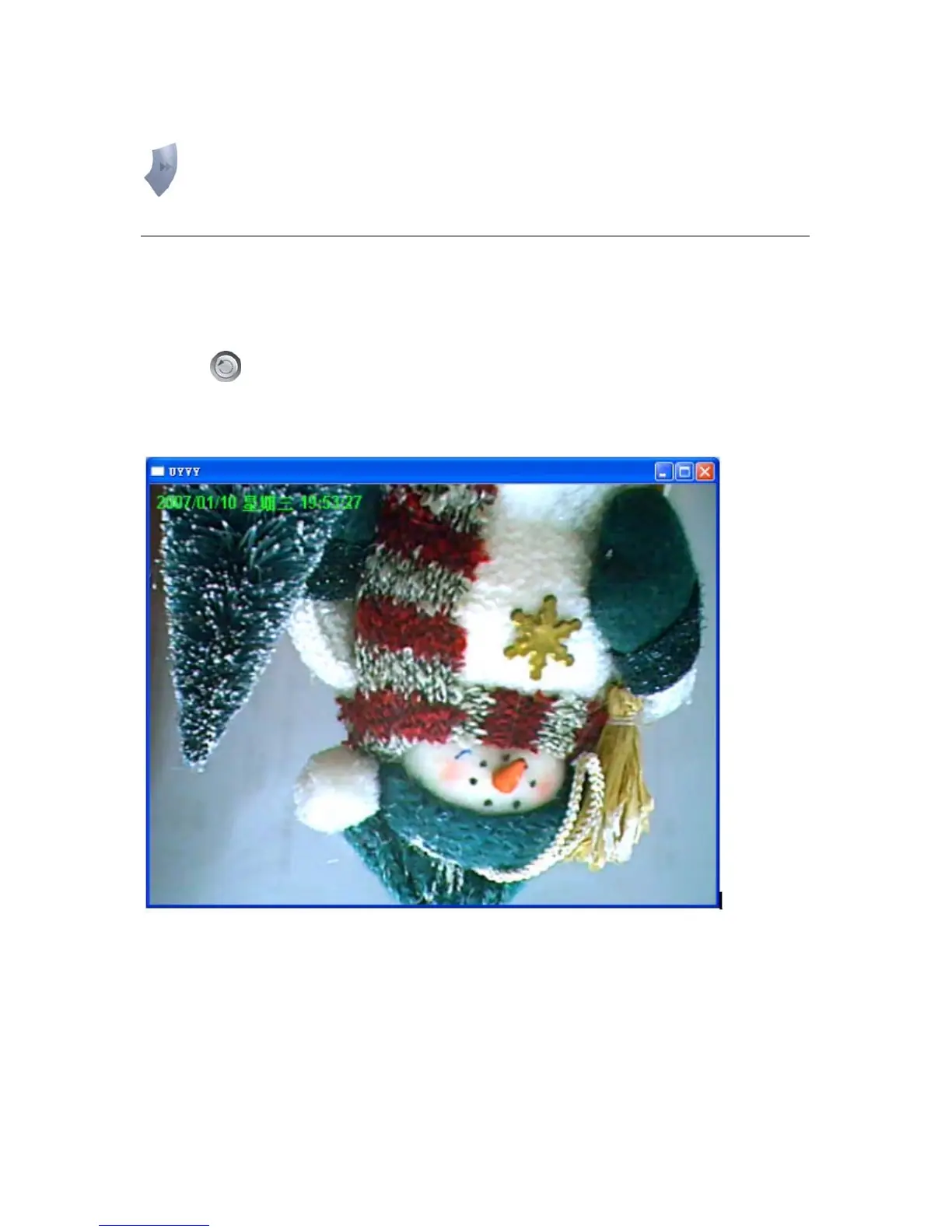
Rotate function lets you rotate the video frame 180 of degree angle each time you click the
“Rotate”
. With this function, you can view the live video with normal, and 180 degree
angles counterclockwise.



 To Next Page