56
“registername.dyndns.com”. Enter the domain name that you
register for the camera from DynDNS web site.
User Name Enter the login name for the DDNS service.
Password Enter the password for the DDNS service.
Apply
When you finish the “Dynamic DNS” setting, click “Apply”.
UPnP
Enable UPNP Enable or disable UPnP function of the camera.
Apply
When you finish the “UPnP” setting, click “Apply”.
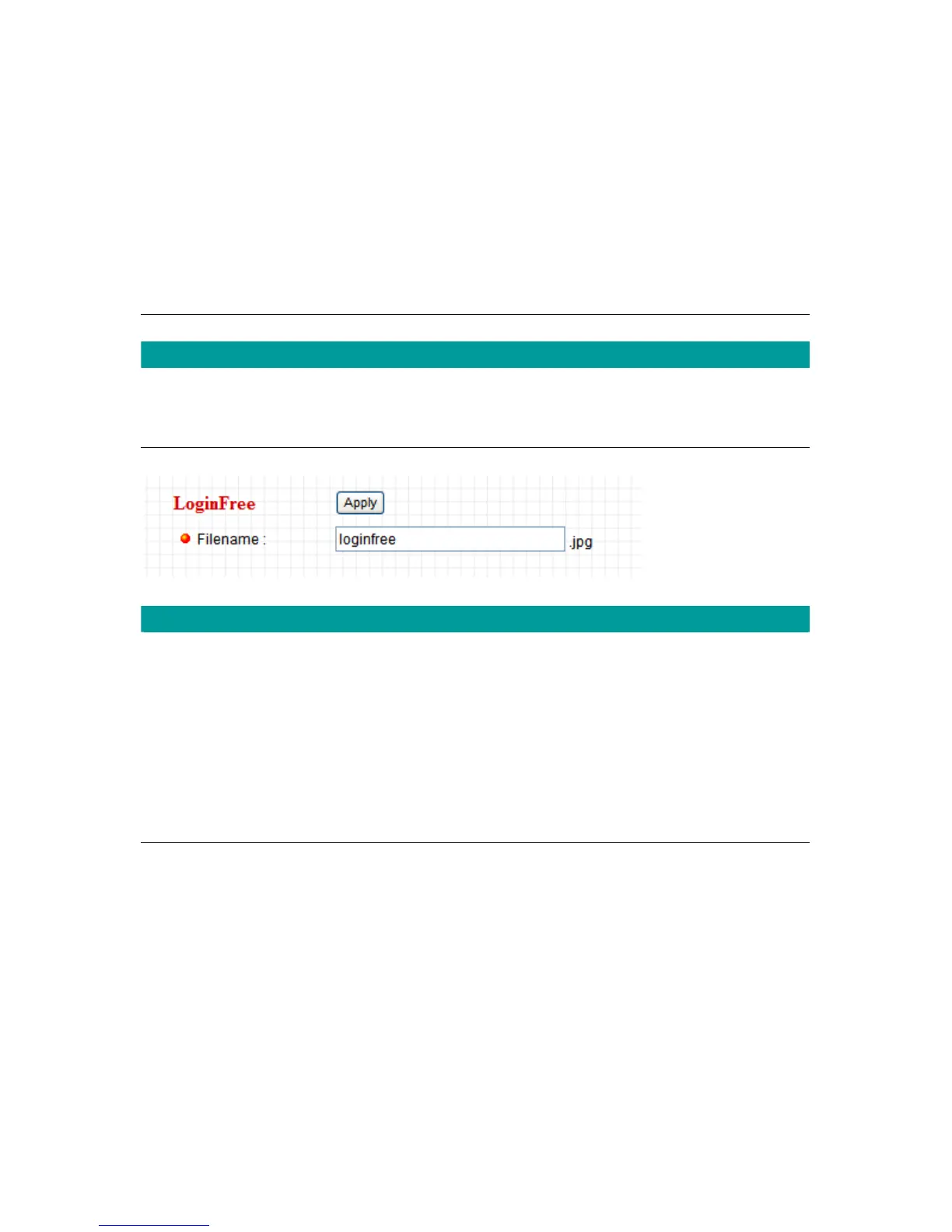
LoginFree
Filename
The default value is “loginfree”. That’s mean user can get a snapshot
image from Internet Explorer. The format is like:
IP Camera will send a snapshot image to Internet Explorer.
If user changed file name (Ex: “1234”), the URL must be changed to
“http://192.168.2.3/1234.jpg”
Apply
When you finish the “UPnP” setting, click “Apply”.



 To Next Page