73
(3) Please reset the Wireless IP Camera settings to Factory Defaults by press the Reset
button over 8 seconds.
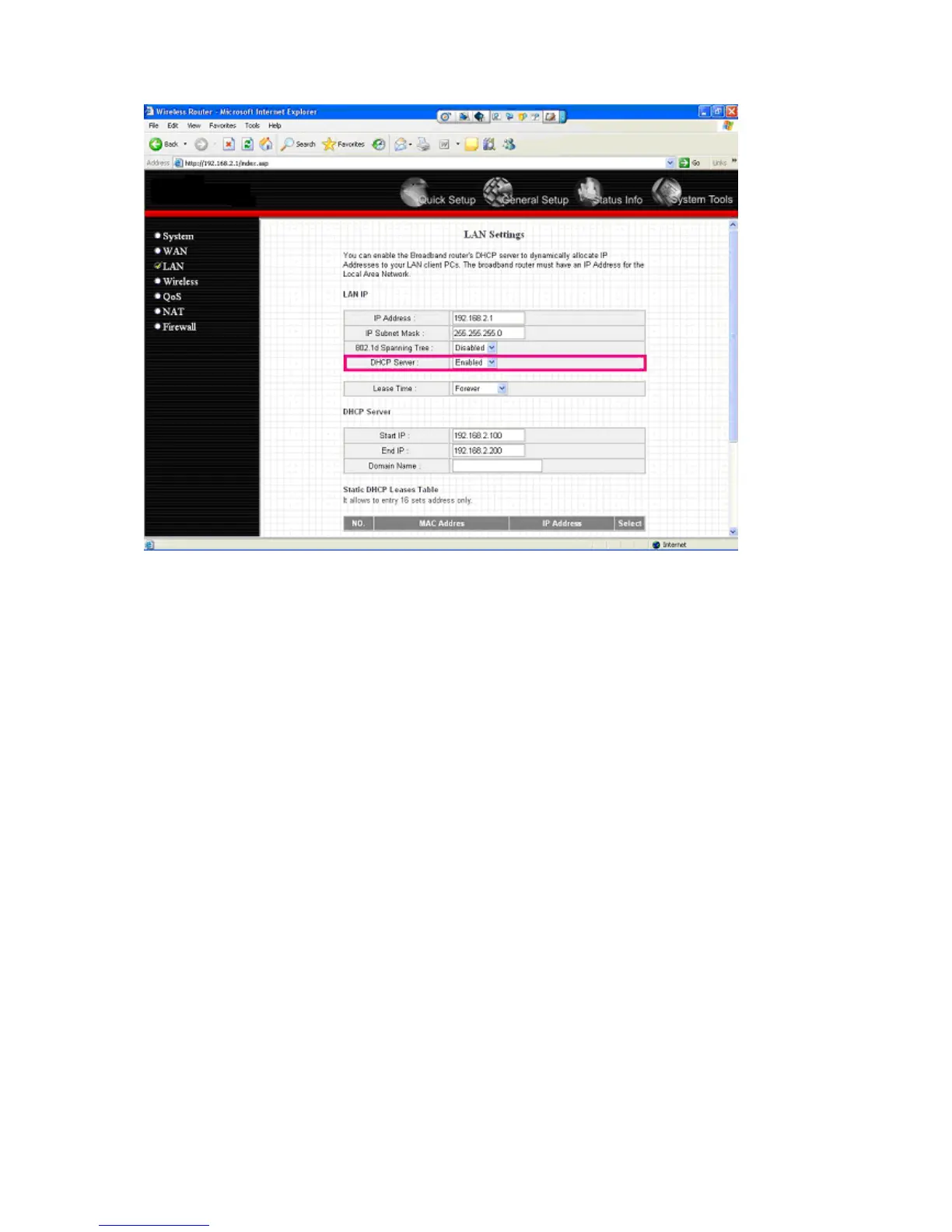
(4) Please change your PC’s IP address to 192.168.2.xx (which xx from 10 to 253),
Netmask = 255.255.255.0
(5) Please go to Web-Config WLAN section of the Wireless IP Camera.
Press Refresh button until you find the SSID you want in the list first!
Then select the Connect column of the SSID you want and select the Enable button of
Wireless Connection.
Press Apply button.



 To Next Page