115
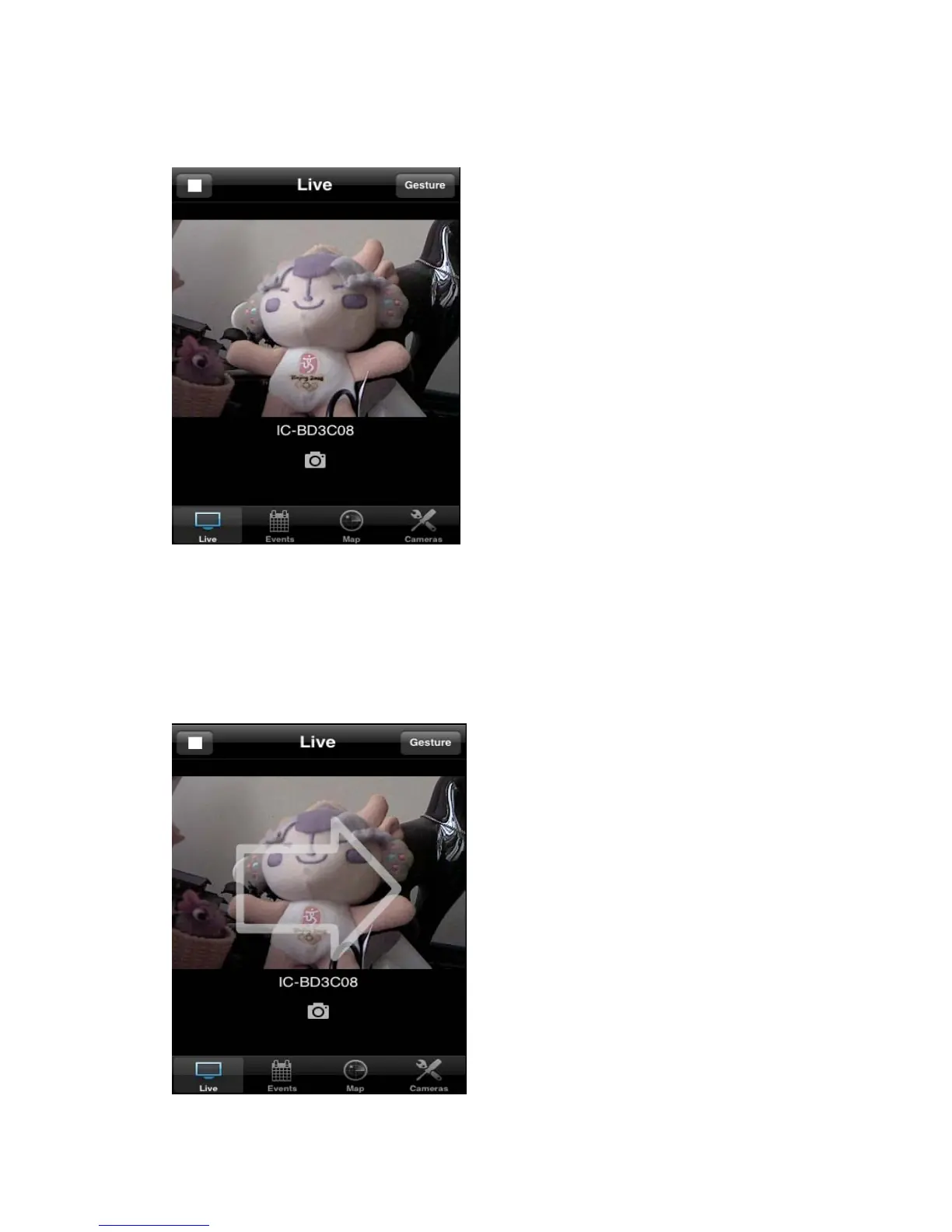
(11) Now you can back to ‘Live’ menu, if you see a snapshot appear, it
indicates the network camera is correctly configured.
Click snapshot picture to enlarge video view
(12) If network camera you connected supports pan/tilt control, you can click
the button on the upper-right corner to switch to ‘Gesture’ mode and use your
finger to slide on the live image view, and network camera will move as your
finger slides



 To Next Page