116
A white arrow will also appear to indicate the direction of camera
movement.
Please note: If the button appears on upper-right corner shows ‘Switch’,
you can’t move camera.
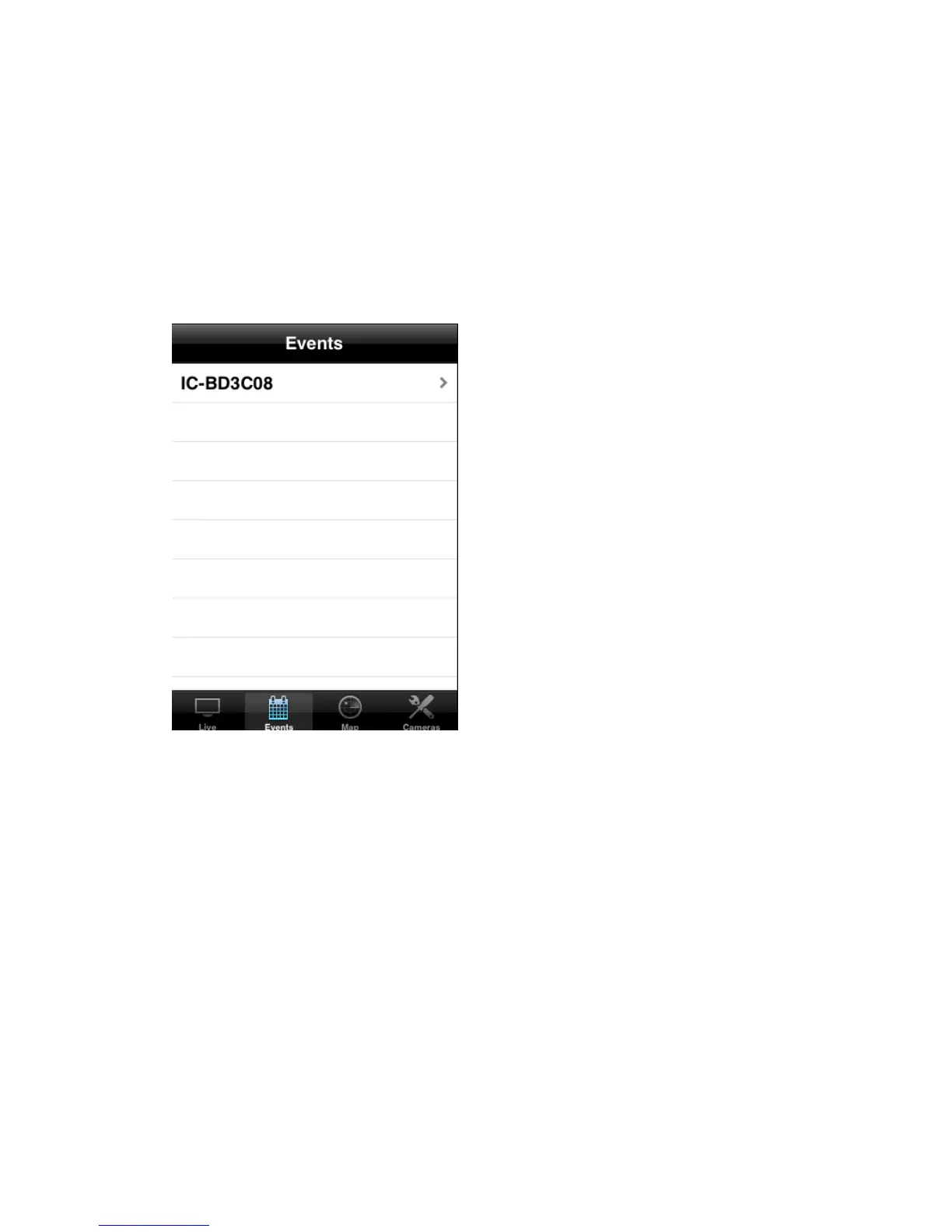
(13) To view events (motions detected by network camera), click ‘Events)
button below in network camera’s live view
All network cameras will be listed and you can choose one to see its
events list.
(14) All events of selected network camera will be listed here. You can click an
event to see enlarged photo.



 To Next Page