87
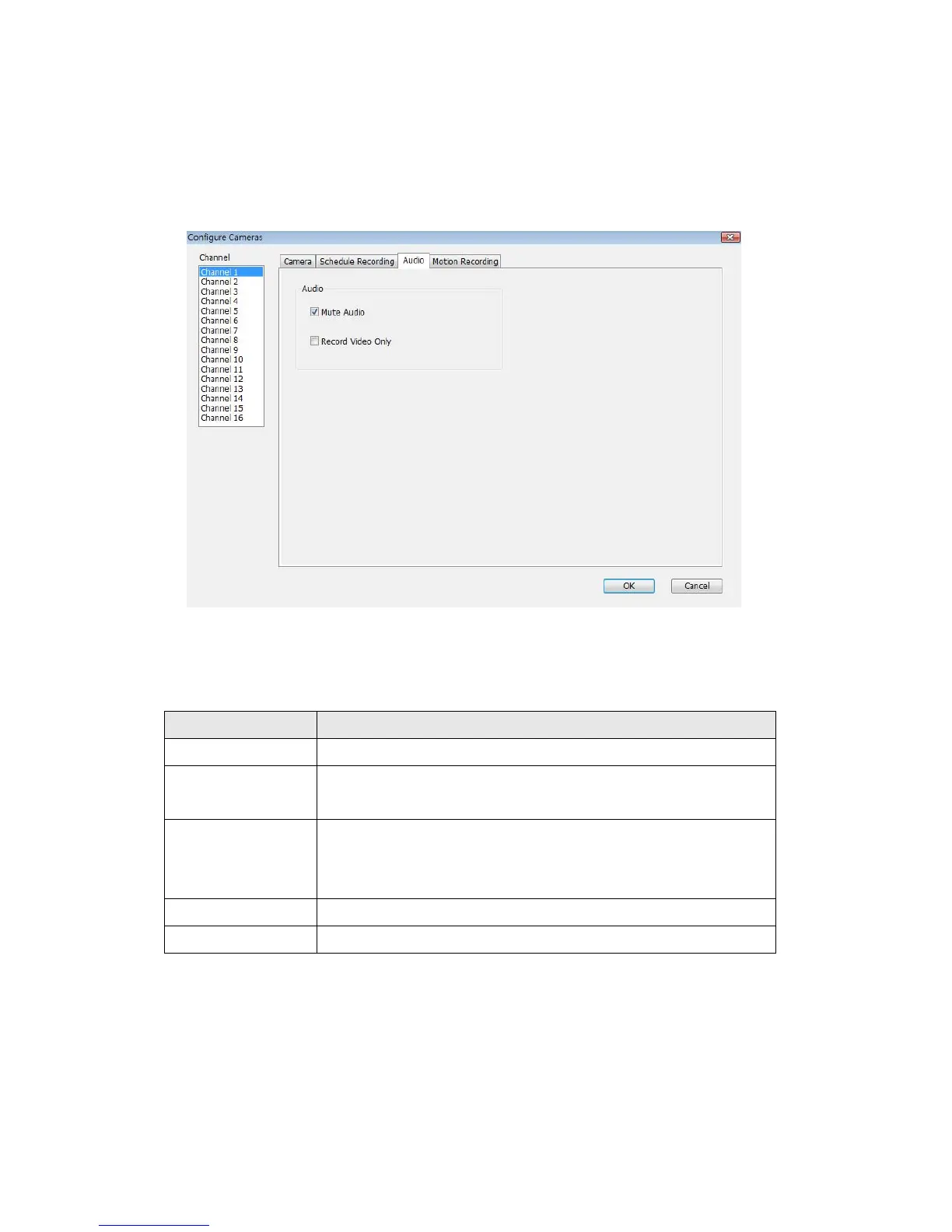
3-3-1-3 Audio
For cameras that support audio, you can use this tab to decide if you wish to
hear the audio captured by selected camera.
Here are the descriptions of all setting items:
Item Description
Channel Select the channel number you wish to set.
Mute Audio Check this box and the Network Camera surveillance
software will not play the audio captured by this camera.
Record Video
Only
Check this box and the Network Camera surveillance
software will not record the audio captured by this
camera.
OK Save settings in this tab.
Cancel Discard all settings in this tab.



 To Next Page