88
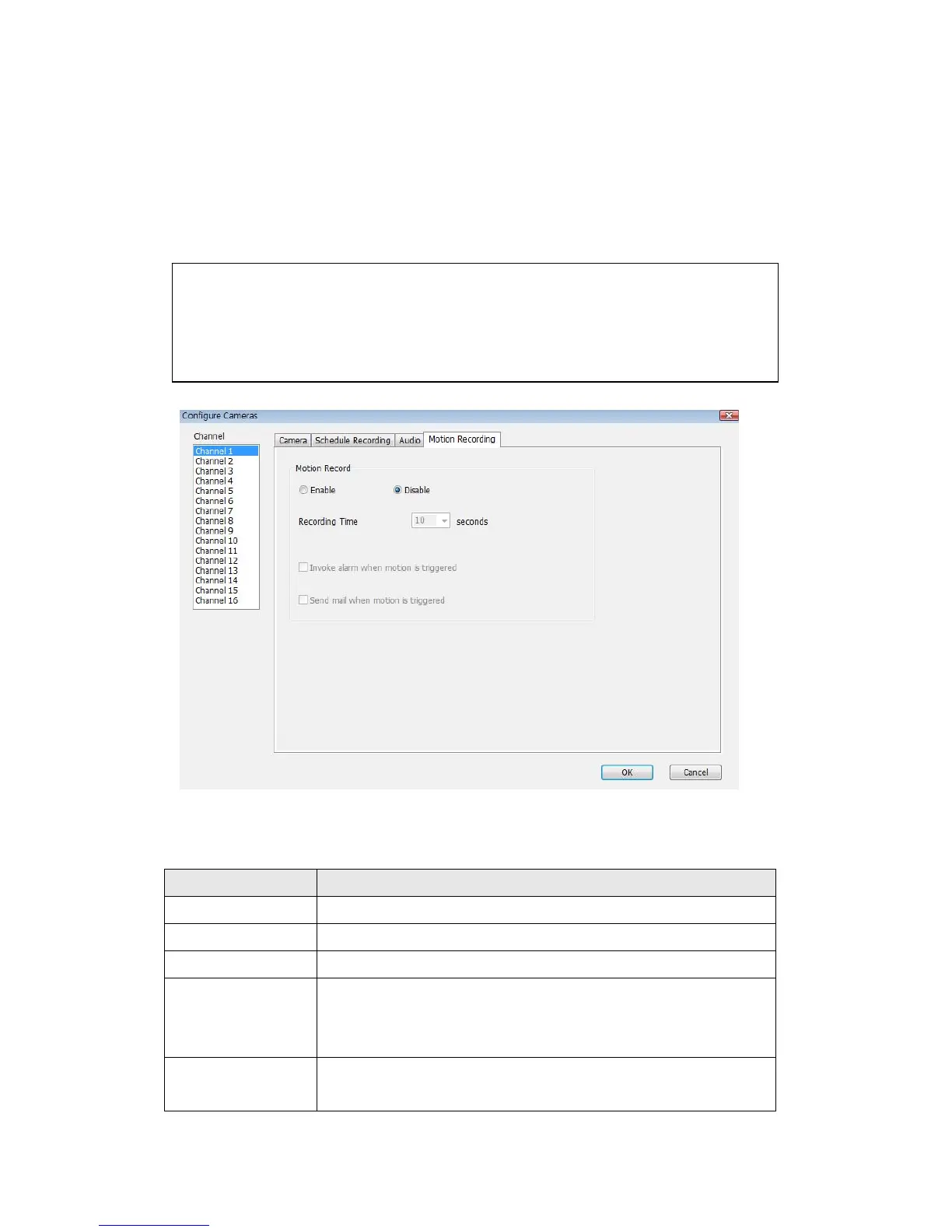
3-3-1-4 Motion Record
With this function activated, only motions captured by the camera will be
recorded, so you don’t have to waste hard disk storage space on images you
don’t need to pay attention to.
Here are the descriptions of all setting items:
Item Description
Channel Select the channel number you wish to set.
Enable Enable motion record function.
Disable Disable motion record function.
Recording Time Select the time duration that camera will record when a
motion has been detected from dropdown menu in
seconds.
Invoke alarm
when motion is
Send an alarm when a motion has been detected by the
camera.
WARNING: For applications that security is highly concerned, it’s not
recommended to use this function since some tiny changes you may
need to know may not be able to trigger the camera and the camera
will not start recording.



 To Next Page