your keyboard to exit full screen.
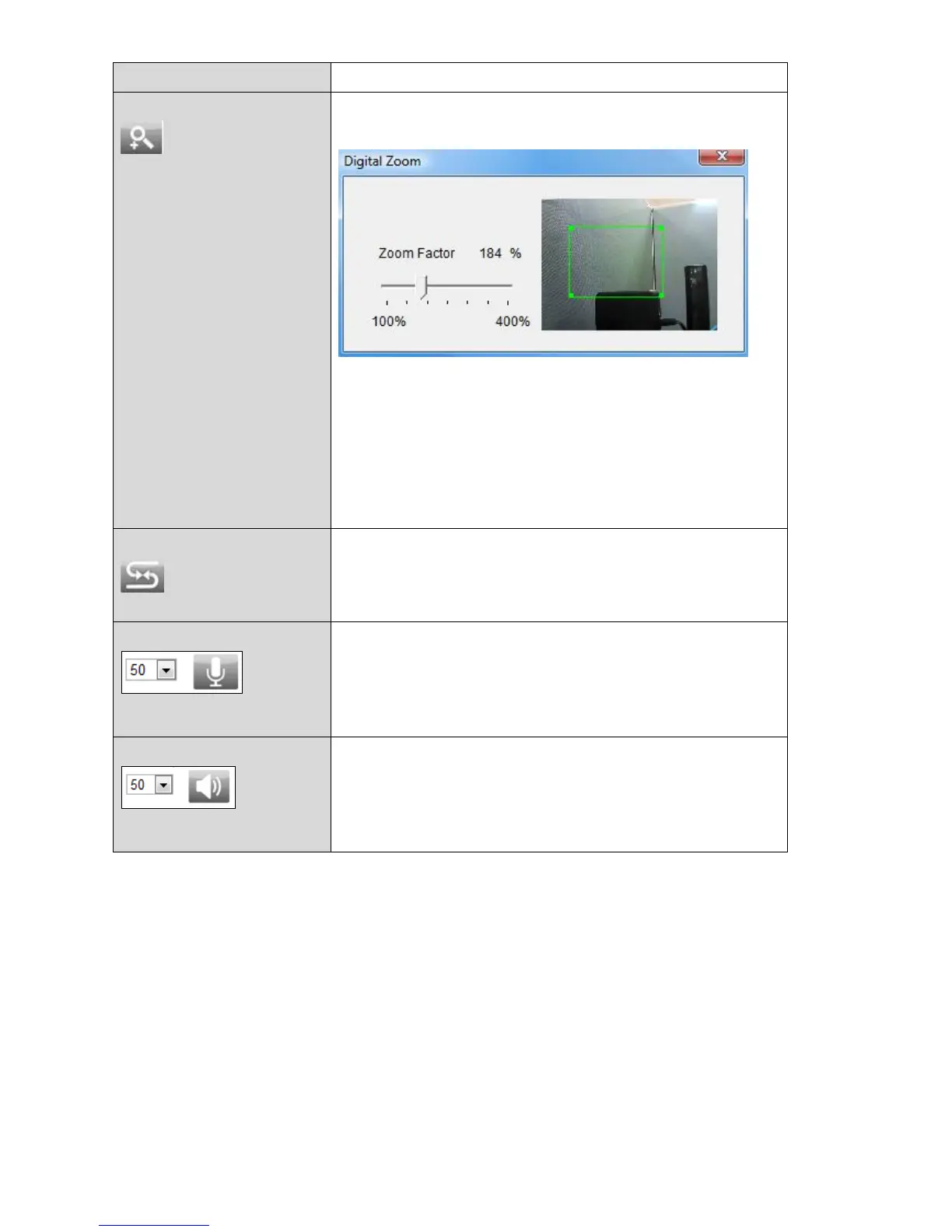
Click to open the digital zoom window:
Adjust the level of zoom from 100% to 400%
using the “Zoom Factor” slide bar and move
the green box to the section of the image you
wish to zoom on. The enlarged/zoomed view
will be displayed in the main window.
Click the icon to reverse the direction of the
controls on the remote control.
Click the icon to mute the playback volume,
or adjust the playback volume level according
to your preference using the drop down
menu.
Click the icon to disable two-way audio from
the camera, or adjust the volume level
according to your preference using the drop
down menu.
5. Select “Setup” in the top right corner and use the menu down the left side
to navigate to the network camera’s various settings. Each menu item is
described in the following chapters.



 To Next Page