12
II. Camera Setup
Your network camera’s unique SSID is displayed on the product label on
the product’s indoor main unit and consits of “EdiView.Setup**” where **
are the last two characters of your camera’s unique MAC address.
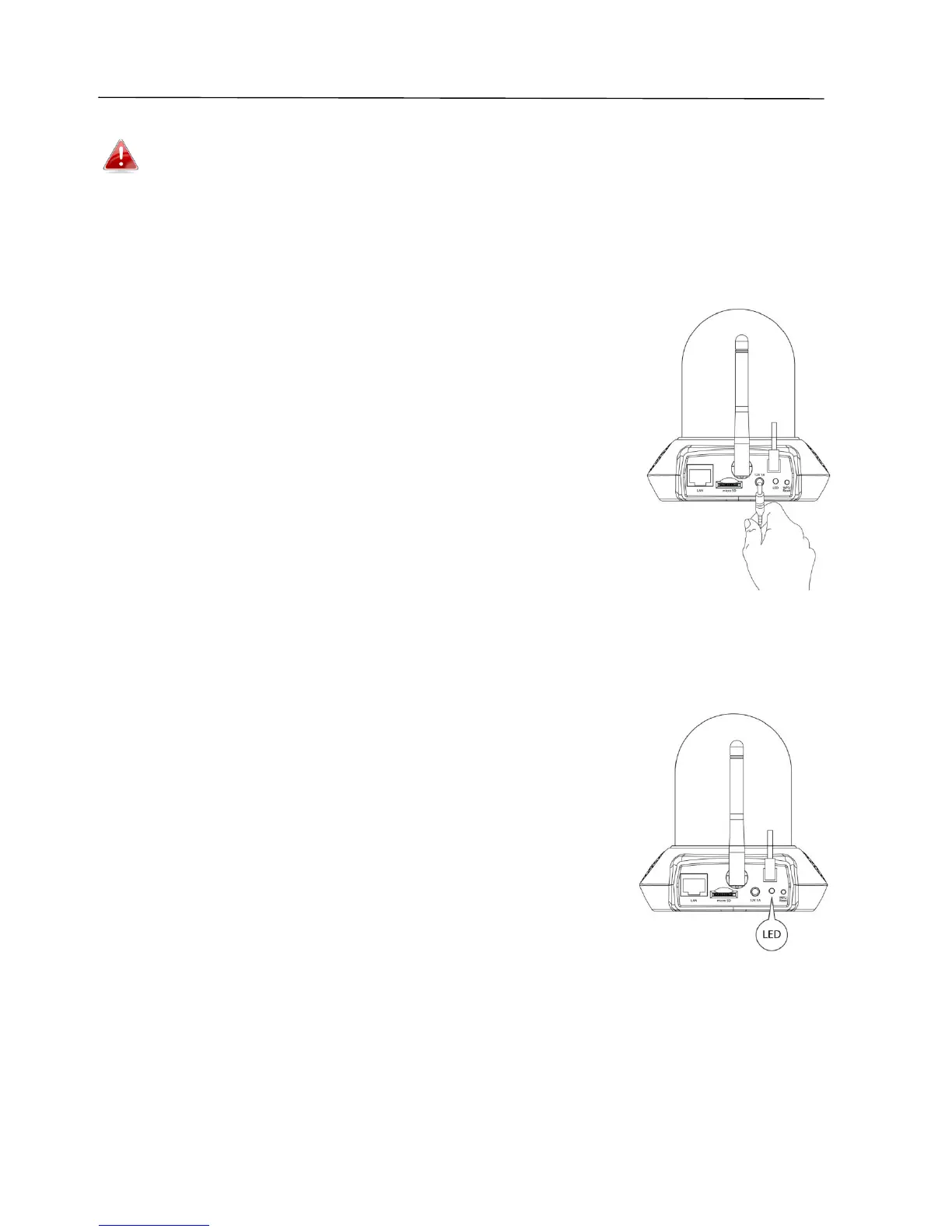
1. Connect the network camera to a power supply using the included power
adapter.
2. Wait a moment for the camera to power on. The LED on the back of the
camera will flash red to indicate installation mode when it’s ready, and the
camera will play a tone from its speaker.
3. If you have a microSD card, insert the card into the microSD slot on the
back on the network camera:



 To Next Page