29
III. Mounting Stand
A stand for your network camera is included in the package contents. The
stand requires some assembly.
The mounting stand is for mounting the network camera to a wall. The
camera can stand by itself on a flat surface without the mounting stand.
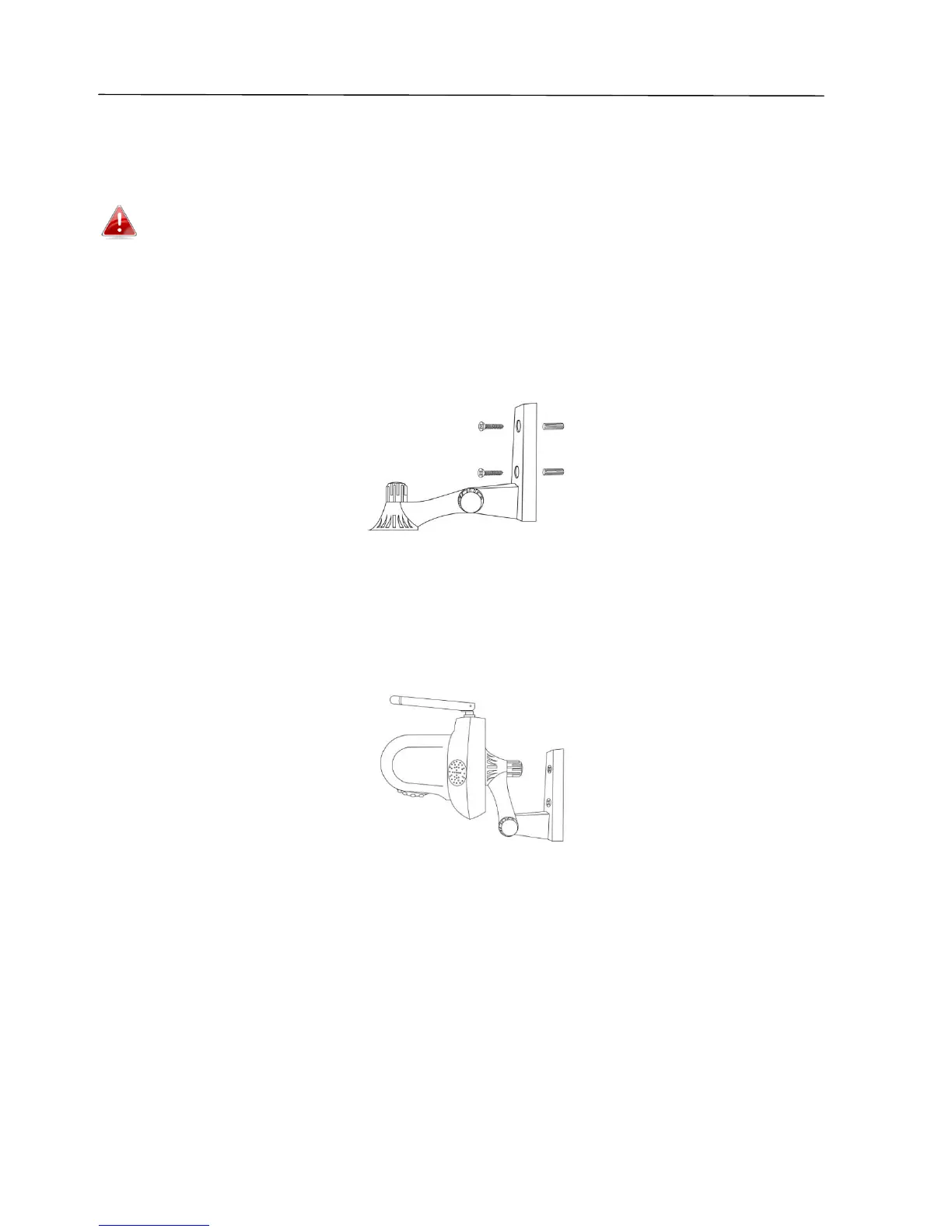
1. Attach the included mounting stand to a wall using the included screws as
shown below:
2. Attach the underside of the network camera to the mounting stand and
tighten into place, as shown below:



 To Next Page