63
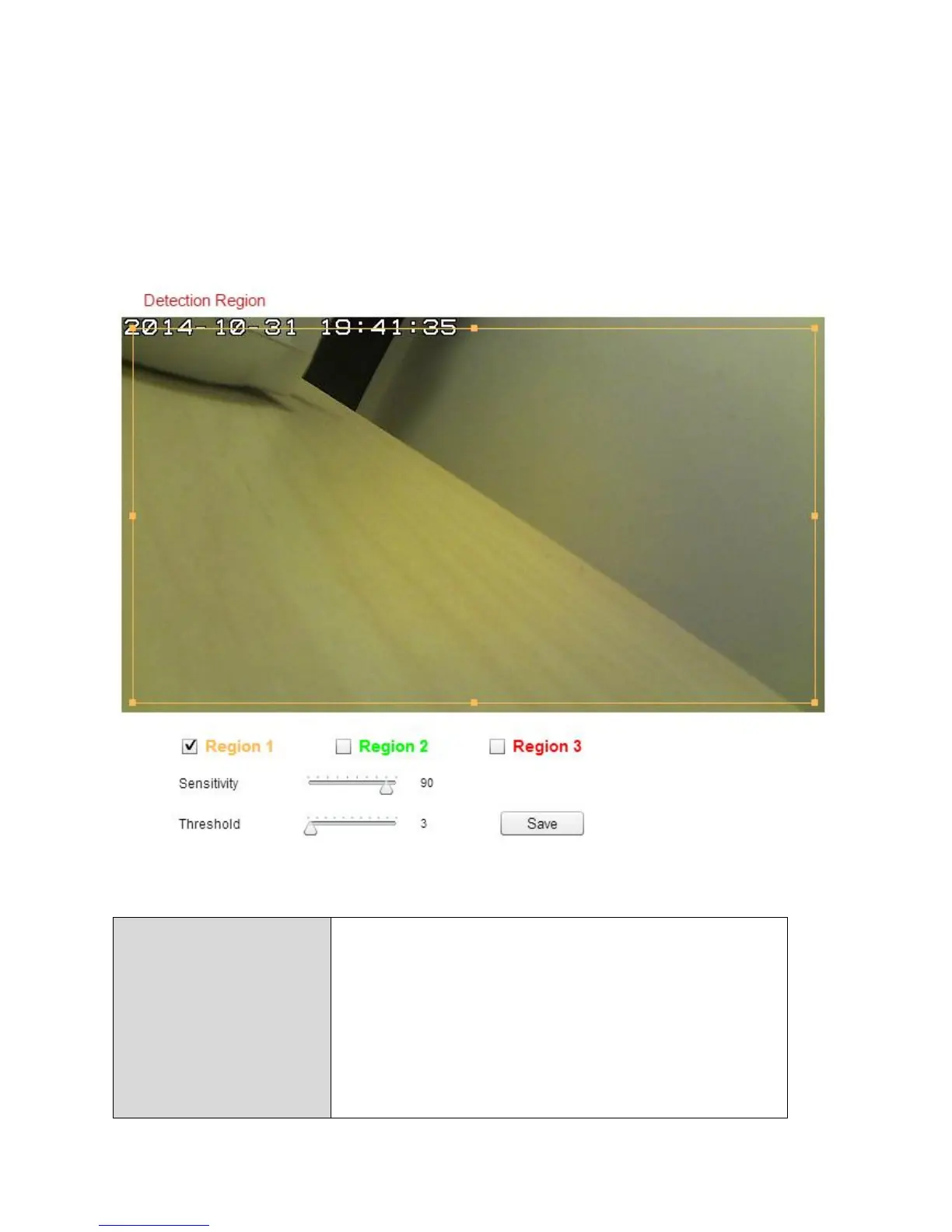
IV-4-1-2. Detection Region
When using the network camera’s motion detection function, you can specify
the area in the video where the network camera should be sensitive to
motion. Motion outside of the detection region will be ignored by the
network camera. This is useful to avoid false alarms.
Check the box to enable up to three motion
detection regions. A color-coded rectangle
will appear on the video view for each
enabled region. Adjust the size and position
of each box according to your preference by
clicking and dragging inside the box (move) or
on the edges (resize).



 To Next Page