28
II-3. WPS (Wi-Fi Protected Setup)
The WPS (Wi-Fi Protected Setup) button is a quick and easy alternative to
establish a secure wireless connection between your network camera and
your wireless router/access point.
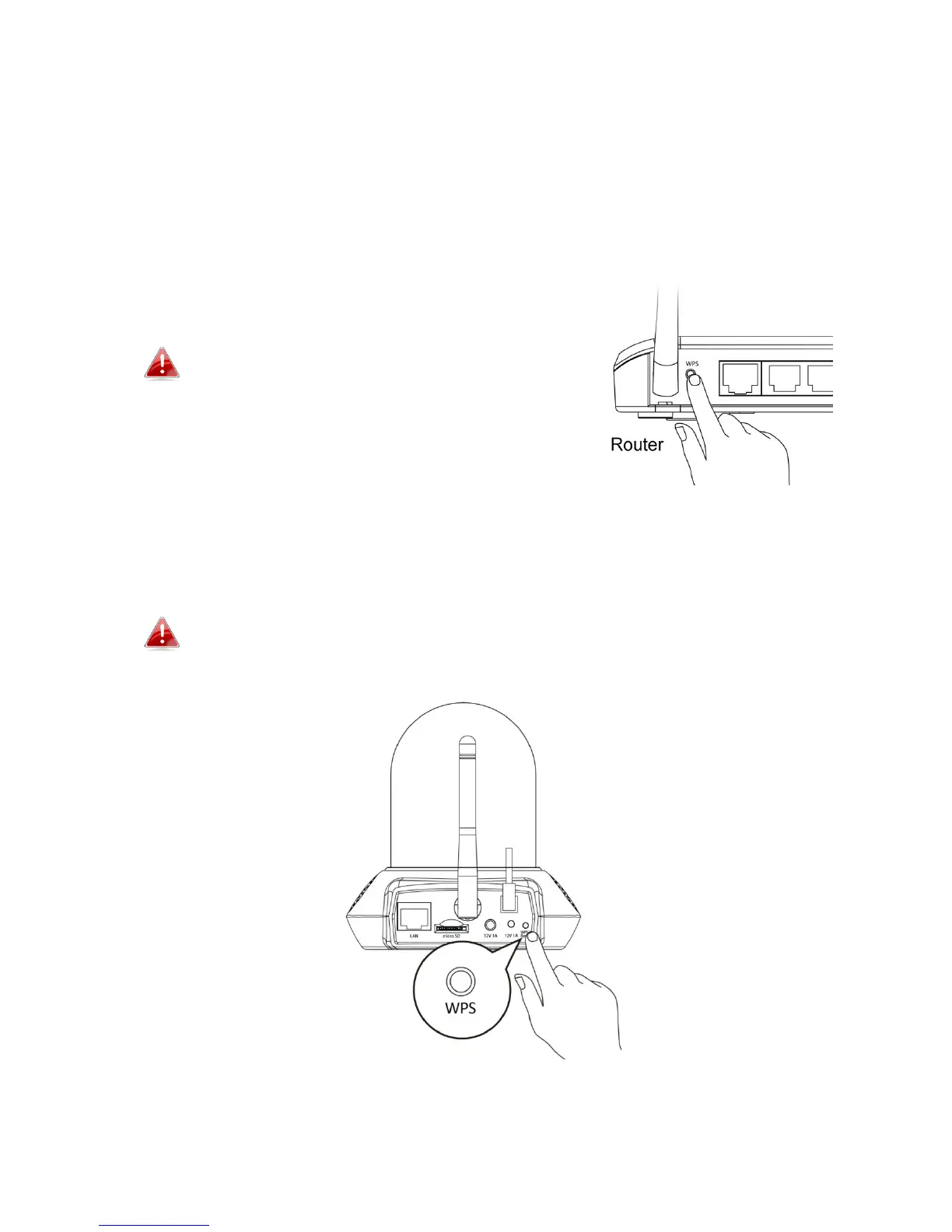
1. Press and hold the WPS button on your wireless router/access point for
the correct length of time to activate its WPS.
Please check the instructions for your
wireless router/access point for how long
you need to hold down its WPS button to
activate WPS.
2. Within two minutes, press the WPS/Reset button on the network camera
for 2 – 5 seconds to activate WPS. The LED will flash slowly green to
indicate that WPS is active.
Take care not to hold the WPS/Reset button too long and reset
your network camera.
3. The devices will establish a secure wireless connection. The LED will
display on green for two minutes to indicate a successful WPS connection.



 To Next Page