35
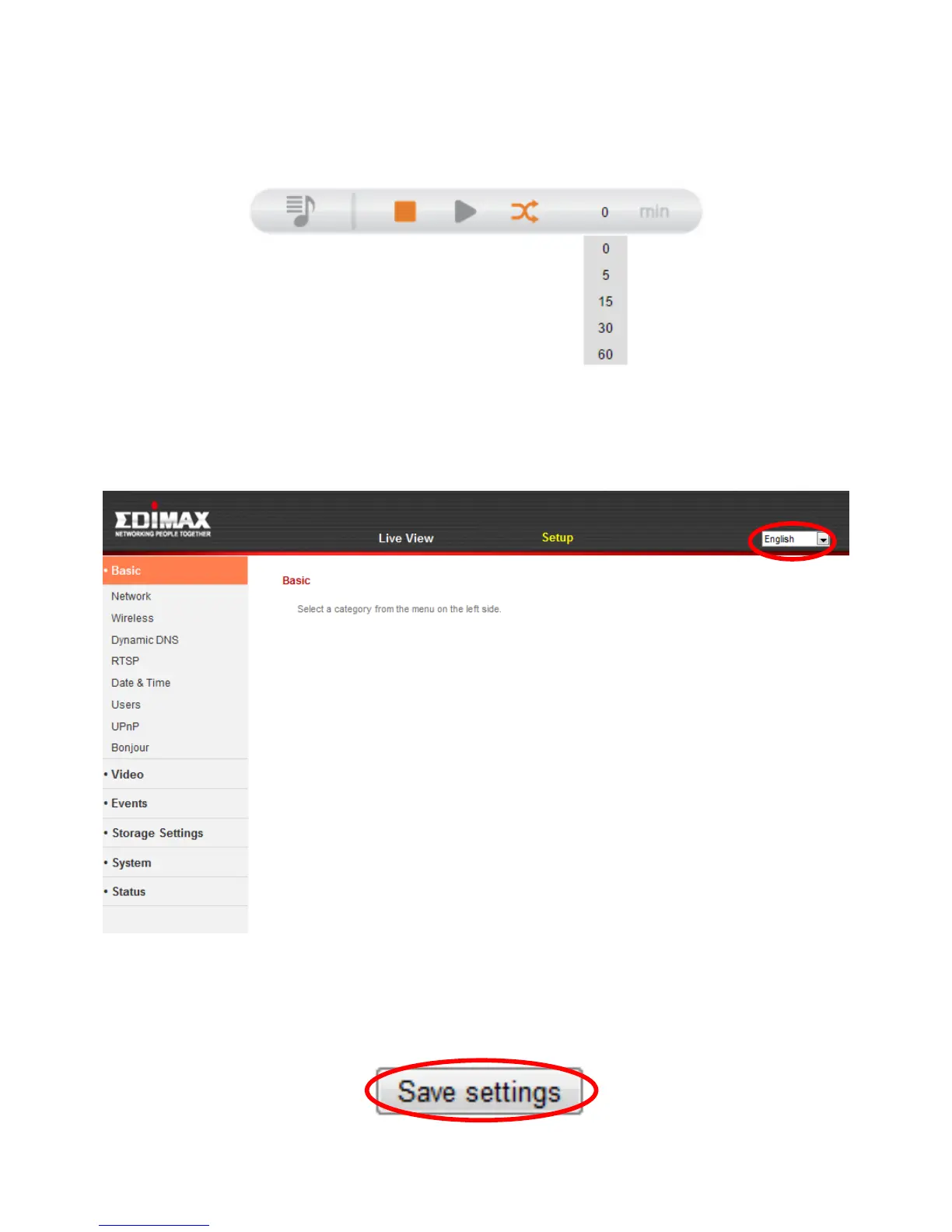
Timer
Set the time for use with “Random” and “Repeat” functions. Select from 0, 5,
15, 30 or 60 minutes to continue playing music for that duration.
5. Select “Setup” at the top center and use the menu down the left side to
navigate to the network camera’s various settings. Each menu item is
described in the following chapters.
6. After making any changes, click “Save Settings” to save the settings and
bring the changes into effect.



 To Next Page