information can be provided by your email
service provider.
Enter the email recipient’s email address
here.
Enter the sender’s email address here to
avoid spam filter issues.
Select ‘SSL or TLS’ when your SMTP server
requires encryption.
Consult your mail server administrator when
in doubt.
Select ‘Enable’ when your SMTP server
requires authentication. This information can
be provided by your email service provider.
Input the SMTP account name when your
SMTP server requires authentication. This
information can be provided by your email
service provider.
Input the password used for SMTP server
authentication.
Click here to send a test email with the
current settings.
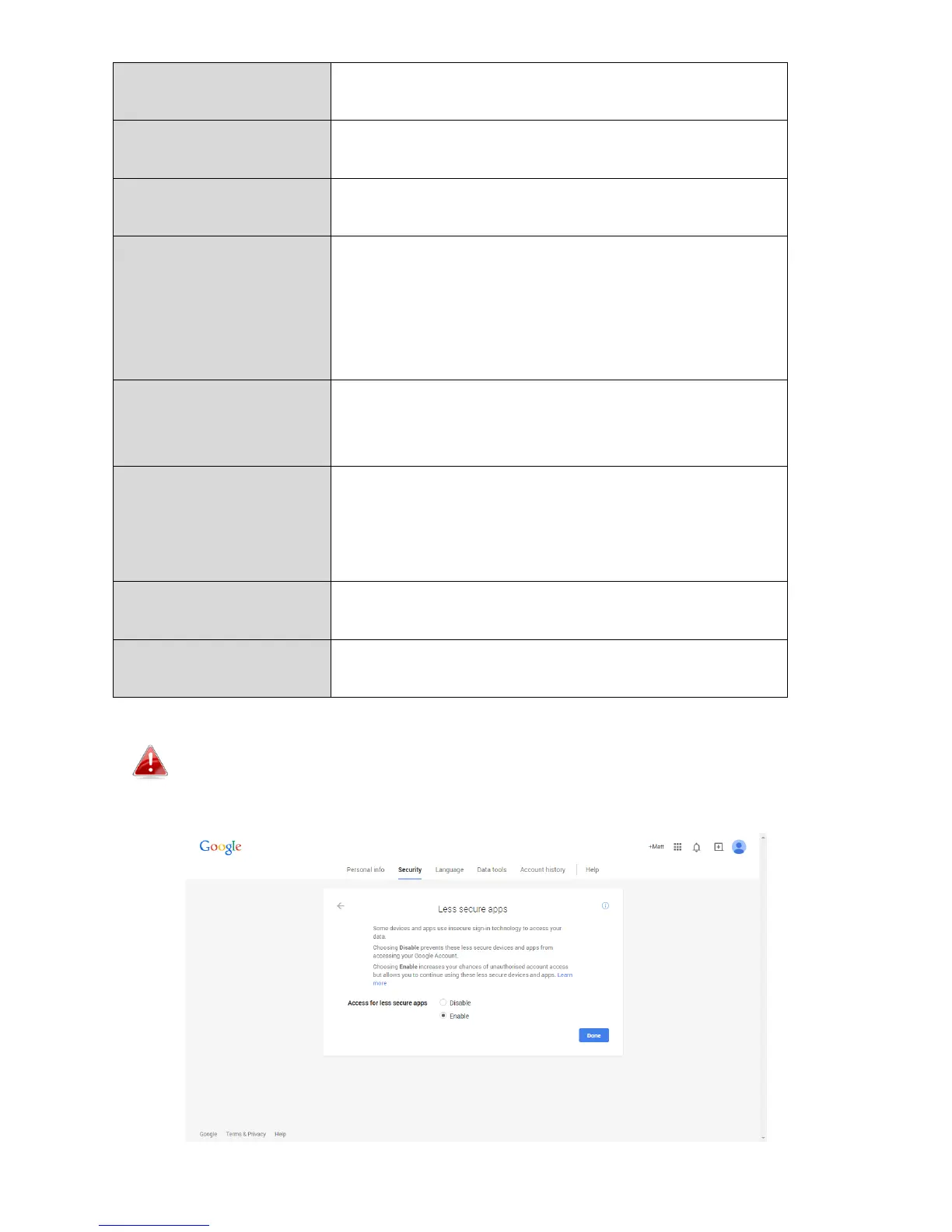
Gmail users please ensure that “Less Secure Apps” is enabled in
your Google account “Security” settings, otherwise your email
password may be rejected.



 To Next Page