“Anonymous” if no authentication is required.
Enter the username if “Account” is selected
above.
Enter the password if “Account” is selected
above.
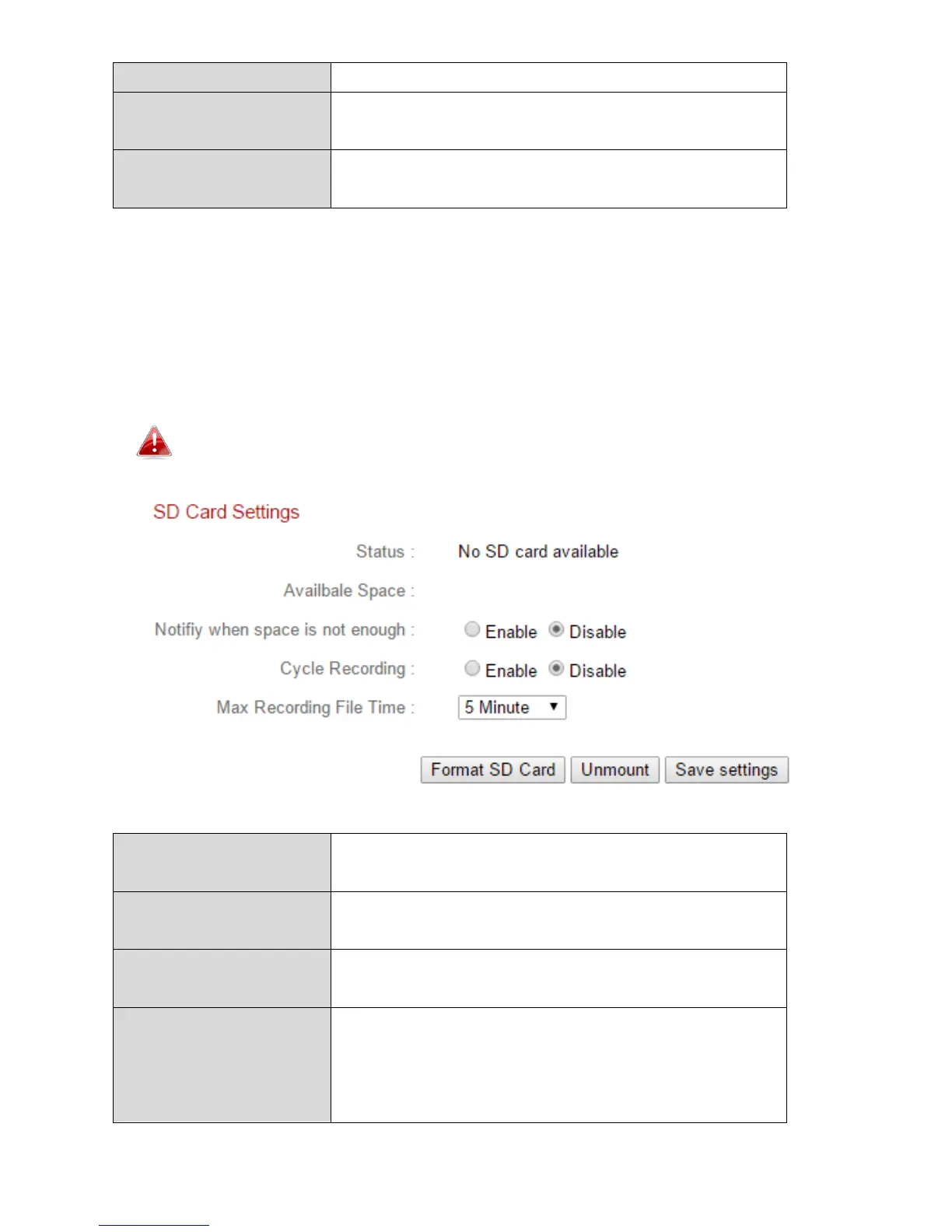
IV-4-4. SD Card Settings
The “Basic” menu enables you to set the camera’s name and administrator
password, as well as switch the LED(s) on/off according to your preference.
Unmount your MicroSD card using the “Unmount” button before
removing the card from your network camera.
Displays the MicroSD card status of your
network camera: available or unavailable.
Displays the available space on the MicroSD
card in your network camera.
Notify when space is
not enough
Enable or disable email notifications when
your storage space is full.
Enable or disable cycle recording. When
enabled, cycle recording will overwrite the
earliest recordings when the storage space
becomes full. When disabled, recording will



 To Next Page