10
II. Camera Setup
It is recommended that you setup your network camera as shown below and
establish a working connection before you install the camera to its outdoor
location.
Your network camera’s unique SSID is displayed on the product label on
the product’s indoor main unit and consits of “EdiView.Setup**” where **
are the last two characters of your camera’s unique MAC address.
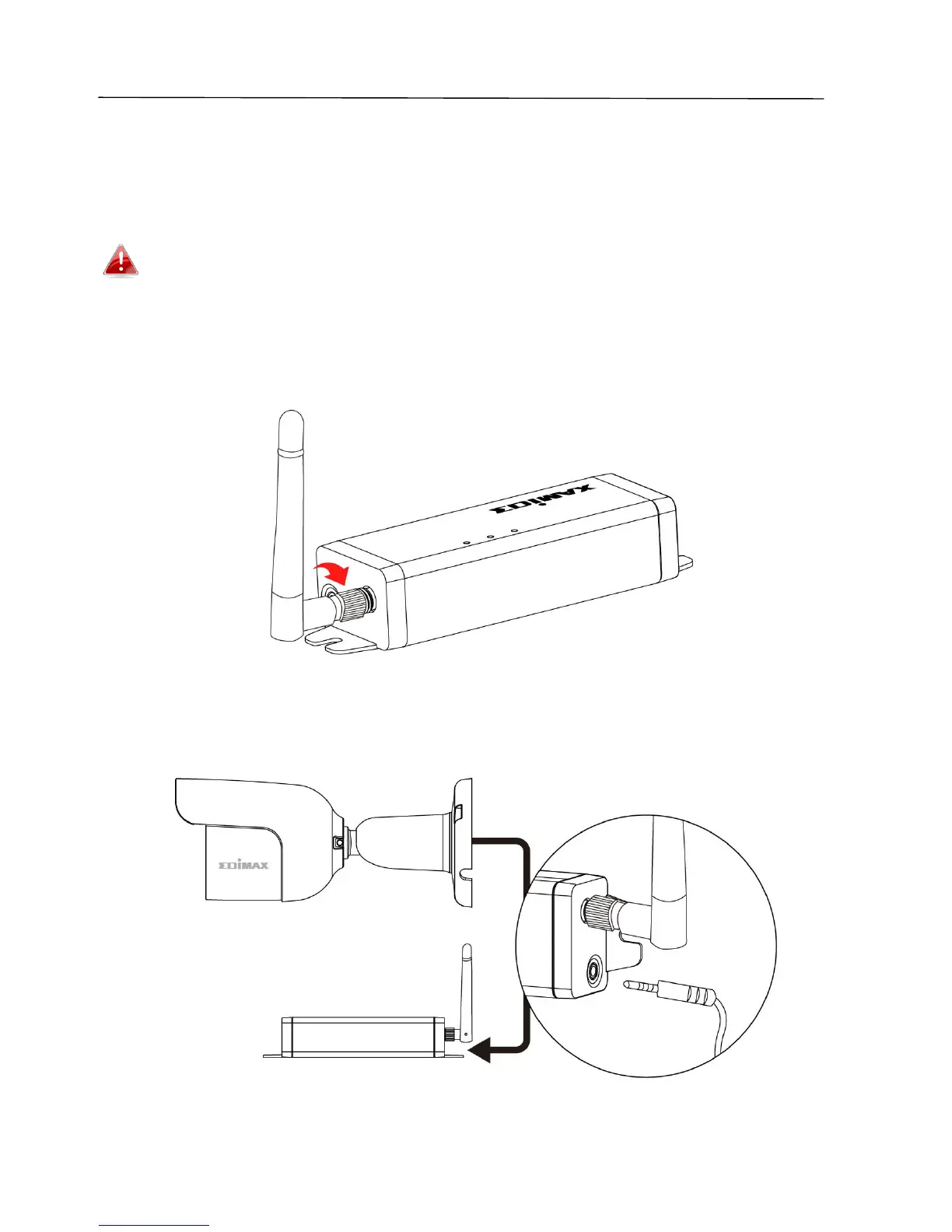
1. Screw on the included antenna to the product’s indoor main unit.
2. Connect the outdoor image unit cable to the indoor main unit.



 To Next Page